How to add trellify power-up in Trello
Here is how to add trellify power-up in trello
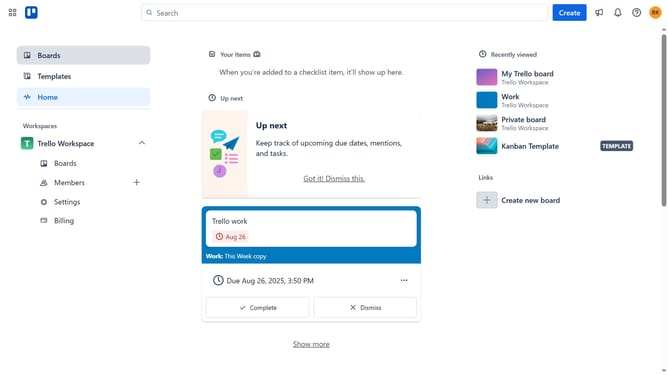
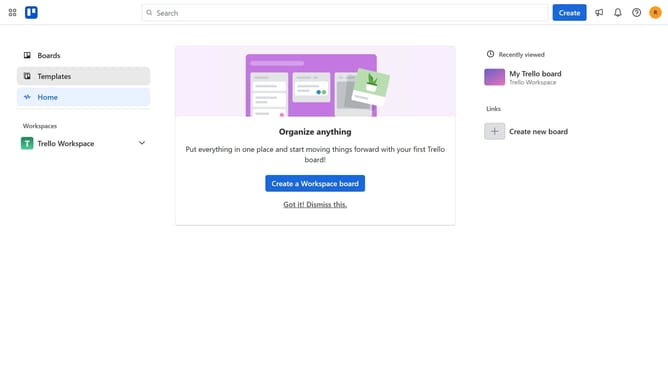
- First click on the "Boards" option in the left sidebar
- Then click a board in the workspace area
- Click on the "More" button (three dots) in the board header
- Select "Power-Ups" option from the dropdown menu
- Click on "Automation" category in the left sidebar of Power-Ups window
- Scroll down in the automation list
- Click on the "Add" button for Trellify - Telegram & Discord Notification power-up
- Finally click the "Add" button in the confirmation dialog to install the power-up
Why should you add trellify power-up in Trello
Trello is a dynamic project management tool that organizes tasks into visually appealing boards and cards.
Adding the Trellify power-up in Trello supercharges your workflow, enabling seamless integration with other essential tools.
Using Trellify enhances efficiency by automating repetitive tasks, thereby freeing up more time for strategic planning.
This integration boosts productivity and ensures that your projects run smoothly by keeping everything synchronized effortlessly.
Last update