How to add type form power-up in Trello
Here is how to add type form power-up in trello
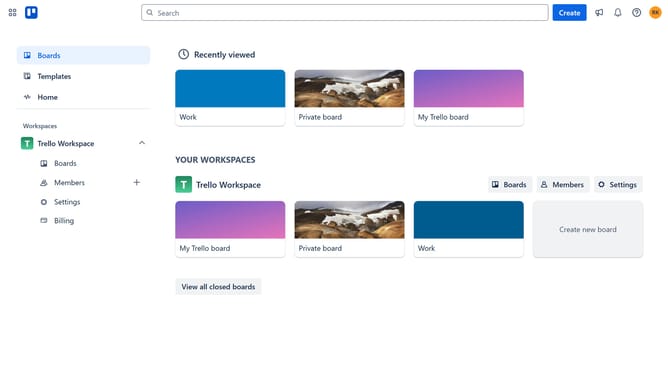
- First click on "Boards" item in the left sidebar
- Then click a board in the workspace area
- Click on the "More options" button (three dots) in the top-right corner of the board
- Select "Power-Ups" option from the dropdown menu
- Scroll down in the power-ups menu
- Select "Sales & support" category from the left sidebar menu
- Click "Add" button next to the Typeform Power-Up
- Finally click the "Add" button in the Typeform confirmation dialog
Why should you add type form power-up in Trello
Trello is a versatile project management tool designed to boost productivity through organized task tracking.
Incorporating the Typeform Power-Up into Trello enhances its functionality by enabling seamless feedback collection directly within your workflow.
This integration empowers teams to create interactive forms, gather insights, and streamline data collection, all without leaving Trello.
The efficient synergy between Trello and Typeform elevates task management, making it easier to prioritize, plan, and execute projects with precision.
Last update