How to move all cards from one list to another in Trello
Here is how to move all cards from one list to another in trello
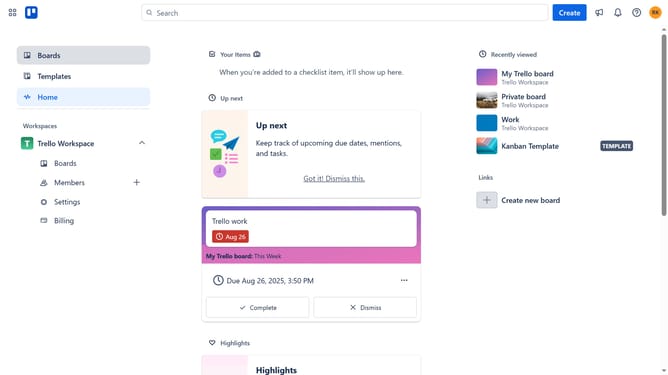
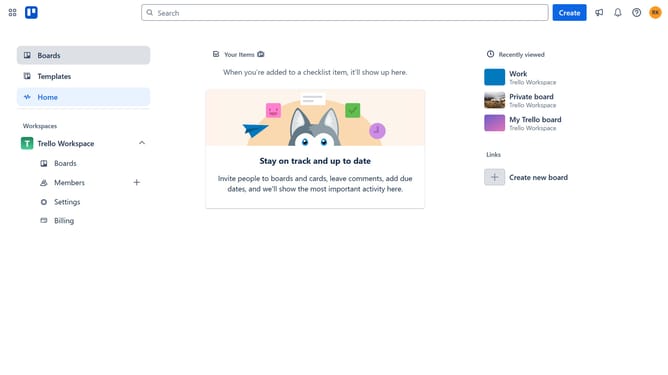
- First click on the "Boards" option in the left sidebar
- Then click a board in the workspace section
- Next click on the "More" menu (three dots) next to the header of the list you want to move all cards
- Then select "Move all cards in this list" from the list actions dropdown menu
- Finally click on the list where you want to move all the cards
Why should you move all cards from one list to another in Trello
Trello is a versatile project management tool designed to streamline teamwork and organize tasks effectively.
Easily moving all cards from one list to another in Trello enhances workflow efficiency, allowing for quick project adjustments.
This feature is especially beneficial when reorganizing tasks or delegating workload, ensuring no information is lost in transition.
Leverage this capability to keep your projects flexible and responsive to change, fostering a seamless team collaboration experience.
Last update