How to add checklist-is power-up in Trello
Here is how to add checklist-is power-up in trello
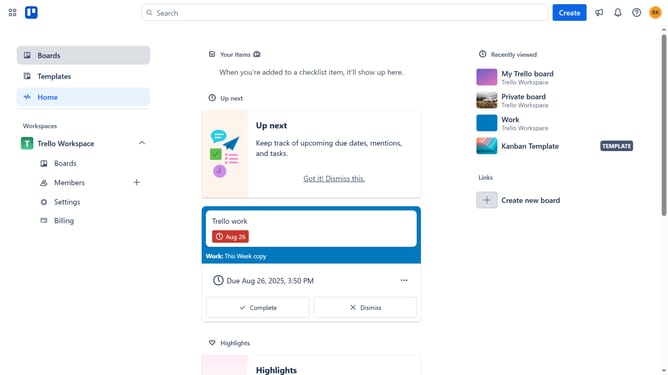
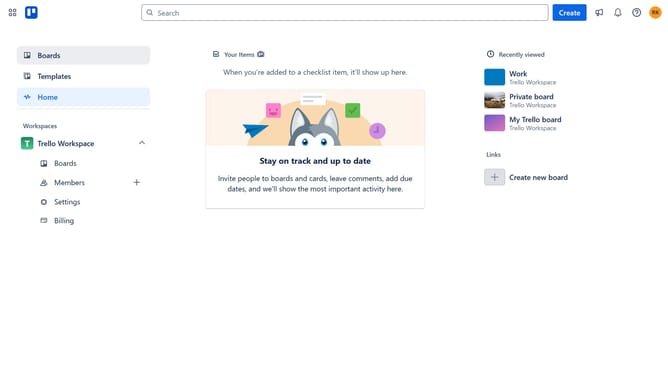
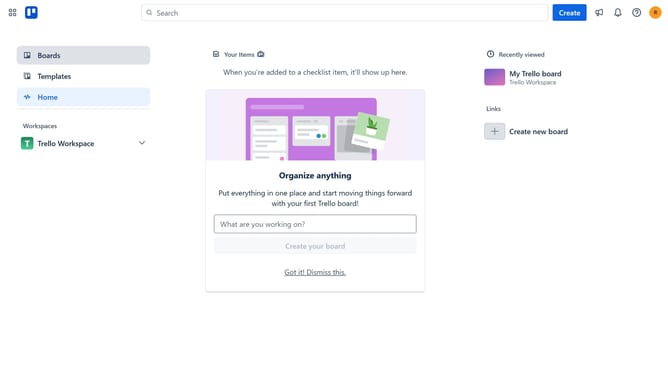
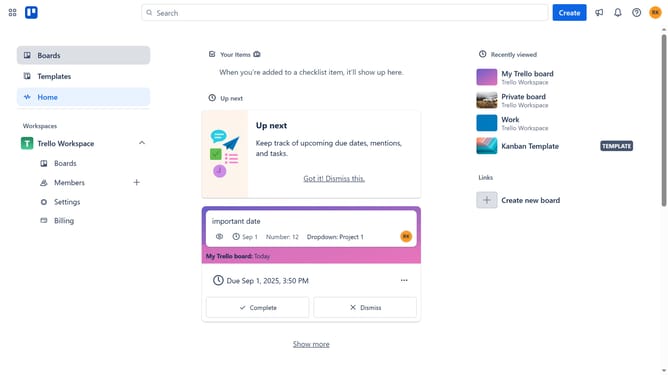
- First click on the "Boards" item in the left sidebar
- Then click a board in the workspace section
- When the board opens, click on the "More" menu button (three dots) in the top-right corner
- In the dropdown menu, click on the "Power-Ups" option
- Next, click on "Communication & collaboration" category in the left sidebar of the Power-Ups window
- Find and click on the "Checklist-is for Trello" Power-Up in the list
- Click the "Add" button under the "Checklist-is for Trello" power-up
- Finally, click the blue "Add" button in the confirmation dialog to complete the Power-Up installation
Why should you add checklist-is power-up in Trello
Trello is a versatile project management tool designed to organize tasks and streamline workflows.
The Checklist-Is power-up in Trello enhances productivity by allowing users to incorporate detailed checklists within their cards. This feature is instrumental for breaking down tasks into manageable steps, ensuring nothing gets overlooked.
Integrating Checklist-Is into your Trello board provides clarity and focus, making it easier to track progress and prioritize tasks efficiently. This power-up acts as a catalyst for effective collaboration and project success.
Last update