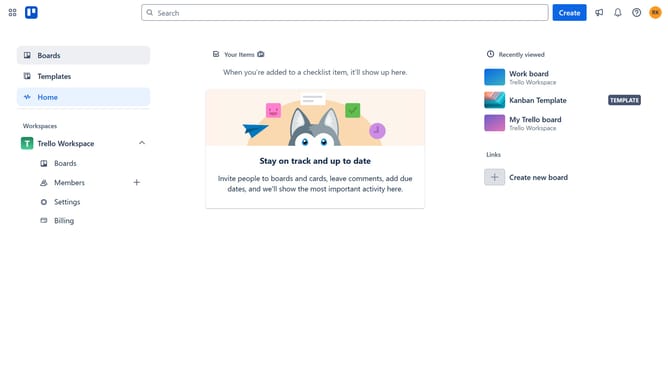
How to add process templates power-up in Trello
Here is how to add process templates power-up in trello
- First click on the "Boards" option in the left sidebar
- Then click a board in the workspace section
- Next click on the "More" (three dots) menu button in the top-right corner
- Then click on the "Power-Ups" option in the dropdown menu
- Next click on the "HR & operations" category in the left sidebar of the Power-Ups window
- Scroll down in the HR & operations list
- Click the "Add" button under the "Process Templates for Trello" power-up
- Finally click the "Add" button to confirm installing the Process Templates power-up
Why should you add process templates power-up in Trello
Trello is a dynamic tool designed to streamline task management and foster team collaboration.
The process templates power-up in Trello allows users to effortlessly duplicate workflows and standardize tasks across boards. This feature is particularly beneficial for teams that handle repeated processes, ensuring consistency and saving time.
By utilizing process templates, teams can maintain efficiency, focus on innovation, and reduce errors through clear, predefined task structures.
Last update