How to add attachments downloader power-up in Trello
Here is how to add attachments downloader power-up in trello
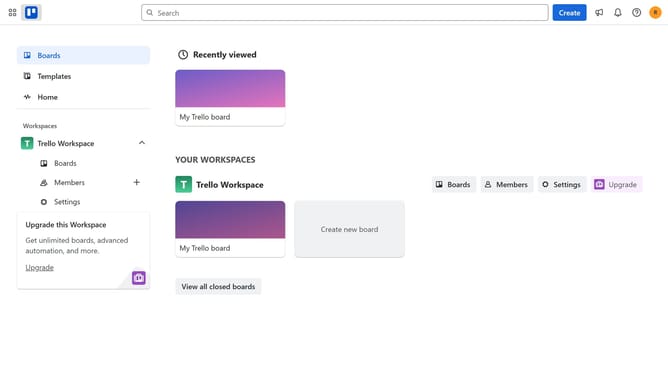
- First click on "Boards" in the left sidebar menu
- Then click a board in the workspace section
- Next click on "More" (three dots) menu button in the top-right corner of the board
- Then click on "Power-Ups" option in the dropdown menu
- Next click on "File management" category in the left sidebar
- Then scroll down in the file management list
- Finally click on "Add" button under the Attachments Downloader power-up to install it
Why should you add attachments downloader power-up in Trello
Trello is a dynamic tool that streamlines project management through an intuitive card-based system.
The Attachments Downloader Power-Up in Trello enhances productivity by allowing users to effortlessly download all attachments from their boards at once. This feature reduces manual work and saves time, which is crucial for busy teams managing extensive projects.
Utilizing this Power-Up ensures a more organized workflow. It is particularly beneficial for teams handling large volumes of files, promoting efficiency and seamless collaboration.
Last update