How to add connecto hub in Trello
Here is how to add connecto hub in trello
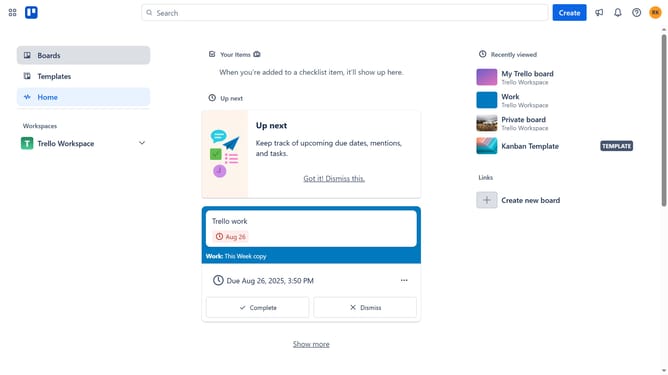
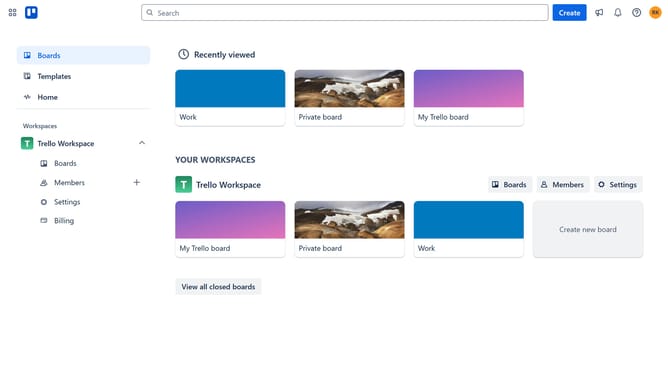
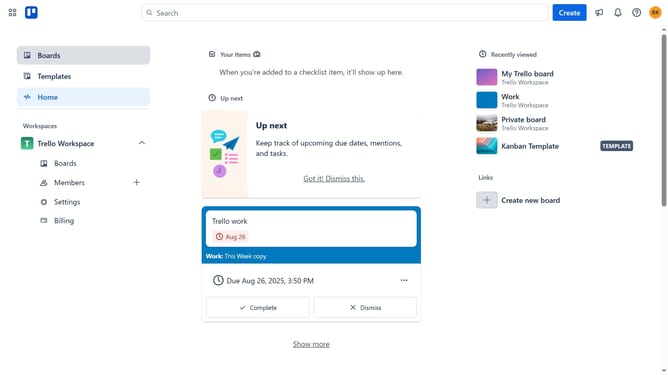
- First click on the "Boards" item in the left sidebar
- Then click a board in the workspace section
- Click the "..." (more) button in the top-right corner of the board
- Scroll down in the menu settings
- Select "Power-Ups" option from the dropdown menu
- Click on "Analytics & reporting" category in the left sidebar of the Power-Ups window
- Scroll down to find the "ConectoHub" power-up
- Click the "Add" button in the ConectoHub power-up card
- Finally click the "Add" button in the confirmation dialog to install the ConectoHub power-up
Why should you add connecto hub in Trello
Trello is an intuitive project management tool that enables seamless collaboration and task organization.
By incorporating the Connecto Hub into your Trello boards, you amplify its collaborative capabilities.
This integration ensures that all your workflow processes are smoothly interconnected, promoting an efficient way to manage and track projects.
Using the Connecto Hub streamlines communication across teams, leading to better productivity and enhanced project oversight.
Last update