How to add streak - habit tracker power-up in Trello
Here is how to add streak - habit tracker power-up in trello
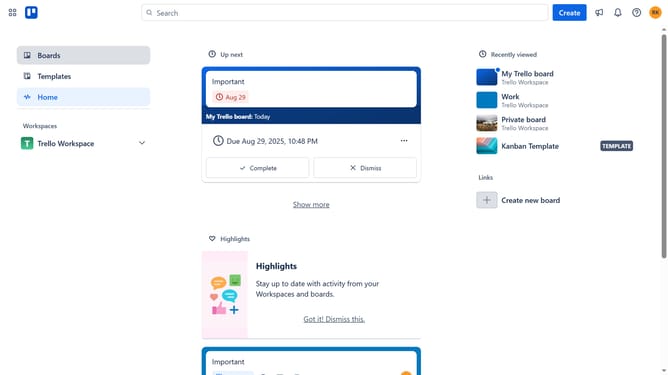
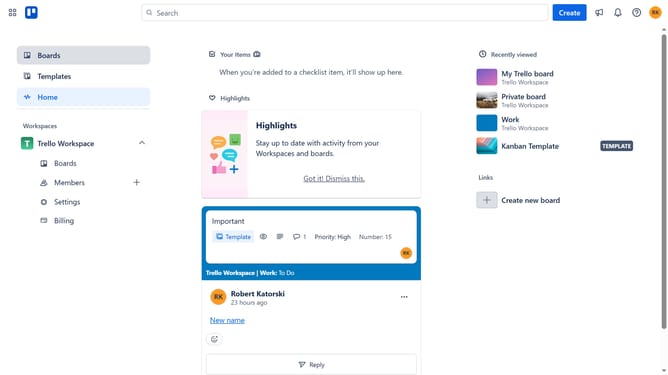
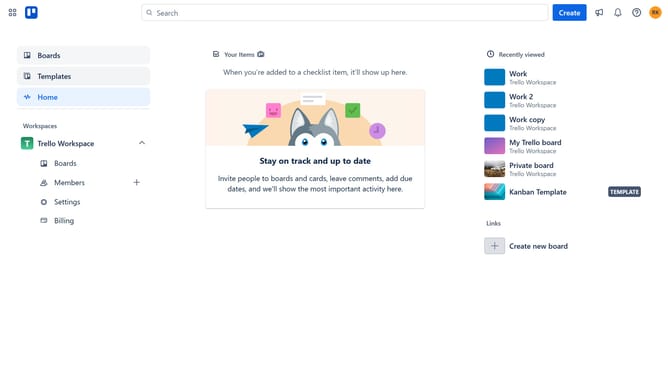
- First click on the "Boards" option in the left sidebar
- Then click a board in the main workspace area
- Next click on the "more options" menu (three dots) in the top-right corner of the board
- Then click on "Power-Ups" option in the dropdown menu
- Next click on "Developer tools" category in the left sidebar of the Power-Ups window
- Then scroll down in the Developer tools section to find more options
- Next click on "Add" button under the "Streak - habit tracker" Power-Up
- Finally click on "Add" button in the confirmation dialog to install the Streak habit tracker
Why should you add streak - habit tracker power-up in Trello
Trello is a versatile project management tool designed to streamline your workflow with visual boards and customizable features.
Incorporating the Streak - Habit Tracker power-up within Trello enhances your productivity by seamlessly integrating habit tracking into your daily tasks. This power-up offers a simple way to monitor progress, maintain consistency, and cultivate positive habits directly on your Trello boards.
Using Streak empowers users to visualize habits, thus increasing motivation and helping achieve long-term success. Tracking habits on Trello ensures seamless organization and enhanced accountability.
Last update