How to add time tracking power-up by everhour in Trello
Here is how to add time tracking power-up by everhour in trello
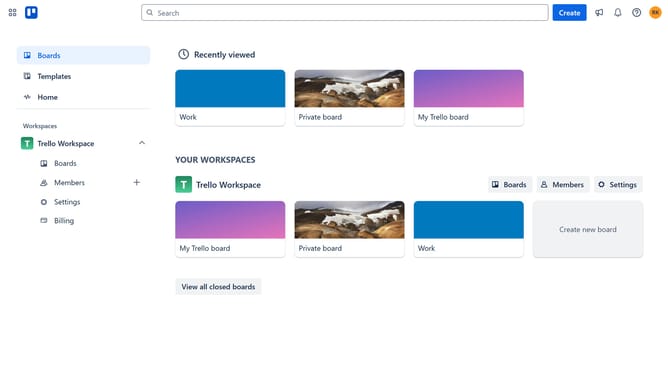
- First click on the "Boards" item in the left sidebar menu
- Then click a board in the workspace section
- Next click on the more options menu ("...") button in the board header
- Then click on "Power-Ups" option in the dropdown menu
- Click on "Analytics & reporting" category in the Power-Ups menu
- Scroll down in the Analytics & reporting menu until you see the Time Tracking Power-Up by Everhour
- Click on "Add" button under the Time Tracking Power-Up by Everhour
- Finally click on "Add" button in the confirmation dialog to install the Power-Up
Why should you add time tracking power-up by everhour in Trello
Trello is a versatile task management tool designed to streamline workflows and enhance collaboration.
Integrating the Everhour time tracking power-up into Trello can significantly elevate your project management experience. This feature integrates seamlessly, letting you keep a close eye on time spent across tasks and projects.
The benefit of using this power-up lies in its ability to provide insight into time allocation and productivity, aiding in better resource management. With Everhour in Trello, gaining control over project timelines becomes an attainable reality.
Last update