How to add bulk actions power-up in Trello
Here is how to add bulk actions power-up in trello
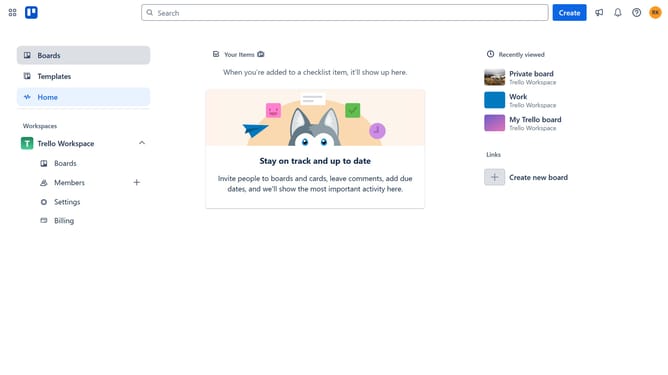
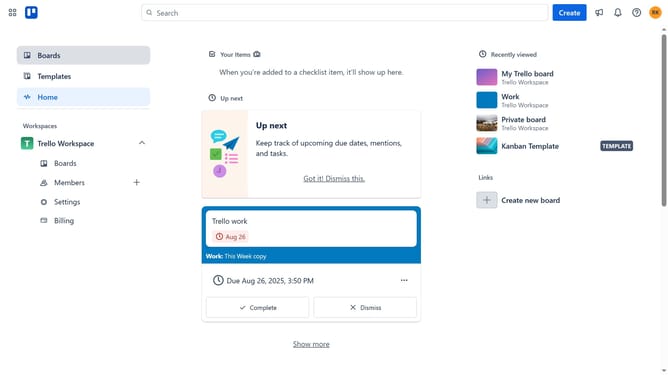
- First click on the "Boards" option in the left sidebar menu
- Next click a board in the workspace section
- Then click the three dots menu button in the top right corner of the board
- Next click on the "Power-Ups" option in the right sidebar menu
- Then click on "Automation" category in the left sidebar of Power-Ups window
- Next click on the "Add" button under the "Bulk Actions" power-up
- Finally click on the "Add" button to enable the Bulk Actions Power-Up
Why should you add bulk actions power-up in Trello
Trello is a versatile project management tool designed to streamline your workflow and boost productivity.
Enhancing Trello with the Bulk Actions power-up transforms task management into an even more efficient process.
By enabling this feature, users can perform multiple updates on their cards at once, saving precious time and reducing repetitive clicks.
This power-up is perfect for fast-paced environments, where efficiency and time management are crucial. Its ability to streamline tasks enables users to focus on what truly matters—progress and collaboration.
Last update