How to add card description history power-up in Trello
Here is how to add card description history power-up in trello
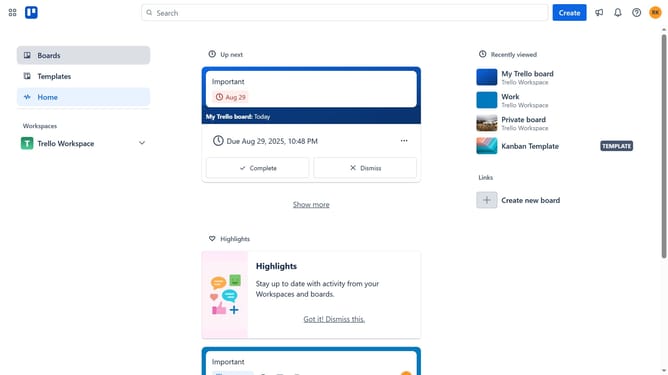
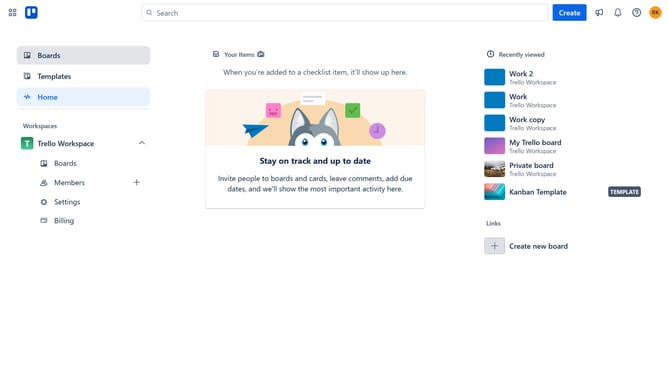
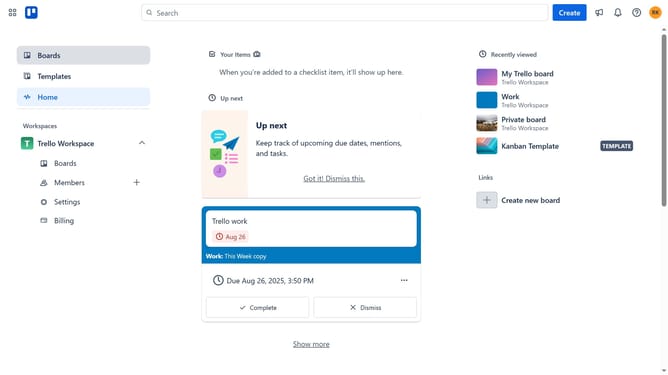
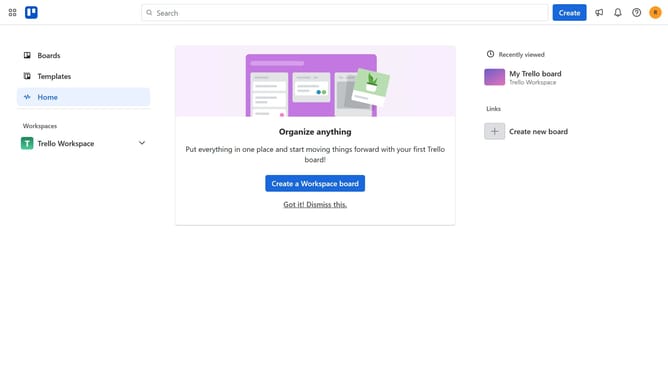
- First click on "Boards" in the left sidebar
- Then click on a board in the workspace section
- Click on the "More" menu button (three dots) in the top right corner
- Select "Power-Ups" option from the dropdown menu
- Click on the "Developer tools" category in the left sidebar of Power-Ups window
- Scroll down to find "Card Description History for Trello" power-up
- Click the "Add" button on the Card Description History power-up
- Finally click the "Add" button in the confirmation dialog to install the power-up
Why should you add card description history power-up in Trello
Trello is a versatile collaboration tool designed to organize your projects into boards efficiently.
Enhancing Trello's functionality, the card description history power-up allows users to track changes over time effortlessly. By enabling this feature, team members gain visibility into the evolution of ideas, making it easier to revisit previous thoughts and decisions.
Using this power-up improves collaboration as everyone stays informed about past changes, which fosters transparency and accountability within project management.
Last update