How to add alerts by rung in Trello
Here is how to add alerts by rung in trello
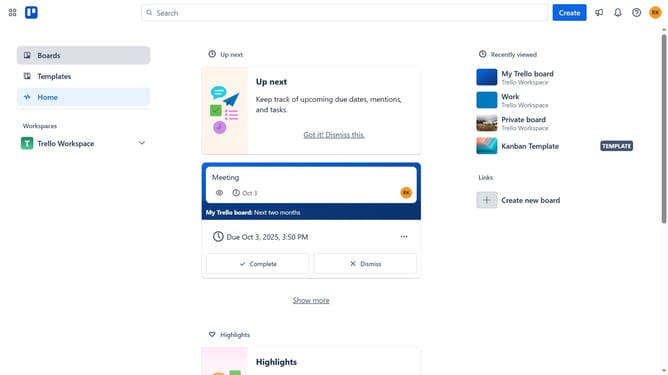
- First click on the "Boards" option in the left sidebar menu
- Then click a board in the workspace area
- Next click on the "More" menu (three dots) button in the top-right corner of the board
- Then click on "Power-Ups" option in the dropdown menu
- Next click on "Communication & collaboration" category in the left sidebar of the Power-Ups window
- Then click on the "Add" button for the "Alerts by Rung" Power-Up in the communication & collaboration list
- Finally click the "Add" button in the confirmation dialog to install the Power-Up
Why should you add alerts by rung in Trello
Trello is an intuitive project management tool designed for organizing tasks and boosting productivity.
Adding alerts by rung in Trello enables users to prioritize tasks effectively by setting notifications at specific stages of their workflow.
This feature enhances team collaboration by ensuring everyone is notified promptly, keeping projects on track.
It fosters better time management and prevents tasks from slipping through the cracks, ultimately leading to a more efficient work process.
Last update