How to add notifications by infinity in Trello
Here is how to add notifications by infinity in trello
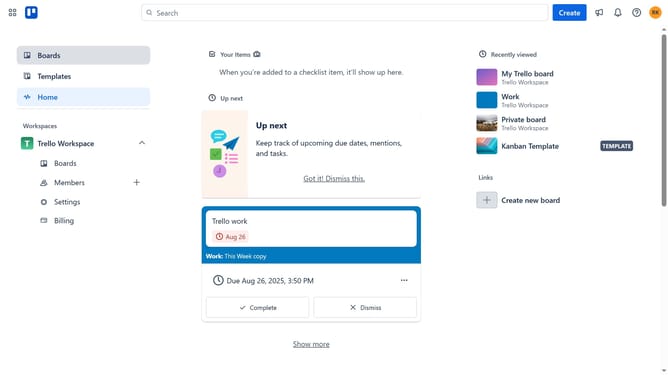
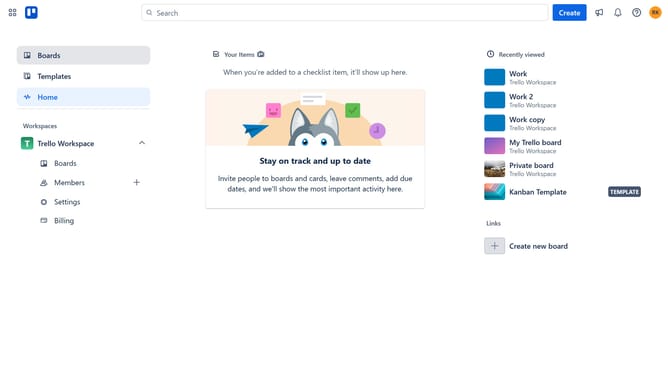
- First click on the "Boards" option in the left sidebar menu
- Then click a board in the workspace area
- Next click on the menu button (three dots) in the top right corner of the board
- Then click on "Power-Ups" option from the dropdown menu
- In the Power-Ups window, click on "Communication & collaboration" category in the left sidebar
- Click on the "Add" button under the Notifications by Infinity power-up
- Finally click the "Add" button in the confirmation dialog to install the Notifications by Infinity power-up
Why should you add notifications by infinity in Trello
Trello is an intuitive project management tool designed to streamline task organization for teams and individuals.
Adding notifications by Infinity in Trello features a seamless way to stay informed of critical project updates and changes, helping users maintain the momentum of their tasks.
This function is beneficial as it ensures that you never miss important updates, enhancing response times and overall productivity.
By using notifications by Infinity, you'll enjoy a more flexible and responsive workflow, making it easier than ever to keep your projects on track.
Last update