How to add standard deviation power-up in Trello
Here is how to add standard deviation power-up in trello
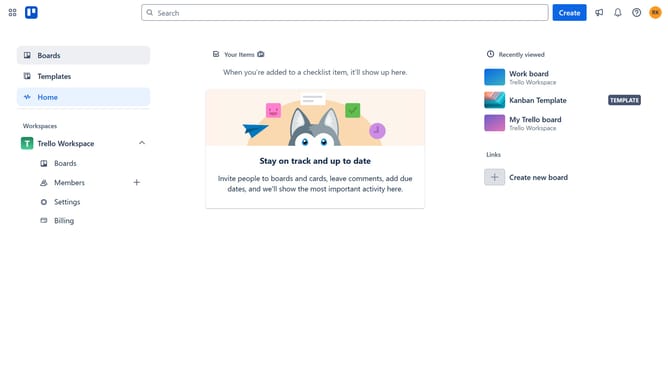
- First click on the "Boards" item in the left sidebar menu
- Then click a board in the workspace section
- Next click on the menu button (three dots) in the top-right corner of the board
- Select "Power-Ups" option from the dropdown menu
- Click on "Analytics & reporting" category in the Power-Ups menu
- Click "Add" button under the "Standard Deviation" power-up from the list
- Finally click the "Add" button in the Standard Deviation details dialog to install it
Why should you add standard deviation power-up in Trello
Trello is an intuitive platform designed for seamless task management and collaboration.
The Standard Deviation power-up offers a valuable layer of analytics to your Trello boards, empowering users to make more informed decisions.
By integrating this feature, you can easily assess variability in your project metrics, leading to improved workflow efficiency and resource allocation.
This enhancement elevates Trello's functionality, making it indispensable for teams keen on optimizing performance through data-driven insights.
Last update