How to remove list color in Trello
Here is how to remove list color in trello
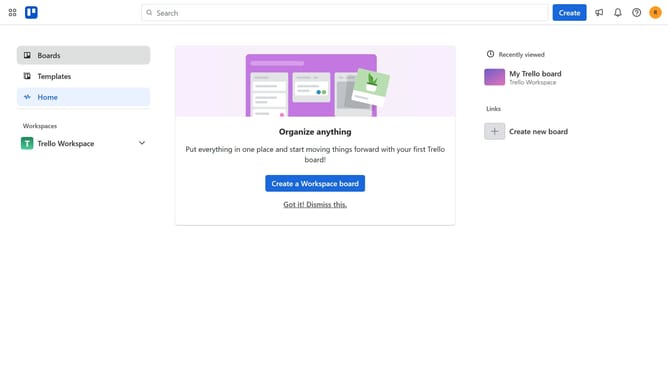
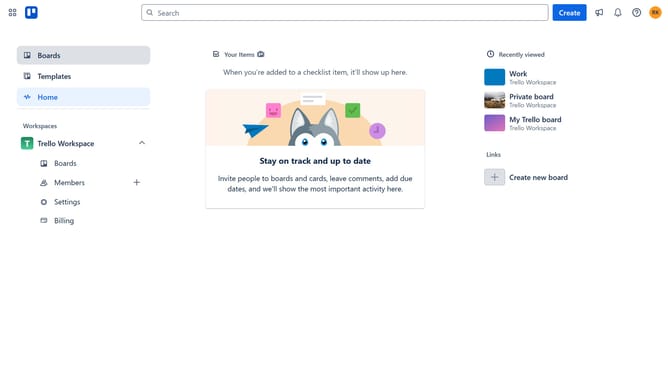
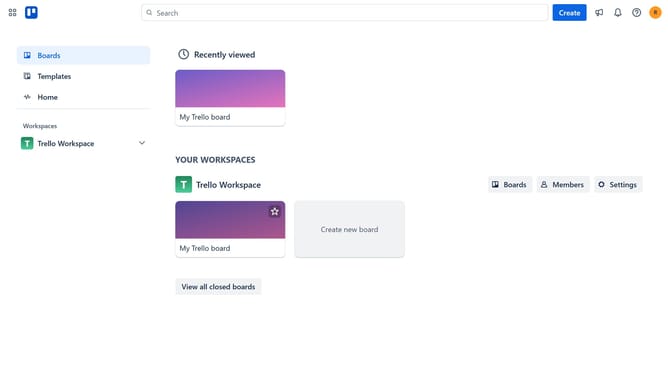
- First click on the "Boards" item in the left sidebar menu
- Then click a board in the workspace section
- Next click on the "..." menu button next to the header of the list you want to remove the color
- Finally click on "Remove color" option in the list actions menu
Why should you remove list color in Trello
Trello is an intuitive, flexible tool designed to streamline your project management needs.
Removing list color in Trello can simplify your board's appearance, creating a cleaner and more visually soothing workspace. This adjustment helps remove distractions, allowing team members to focus on the tasks that matter most.
By opting for a classic, neutral board, you foster an environment that prioritizes clarity and productivity, enhancing collaboration and decision-making. The feature is perfect for those who prefer an organized, straightforward approach to task management.
Last update