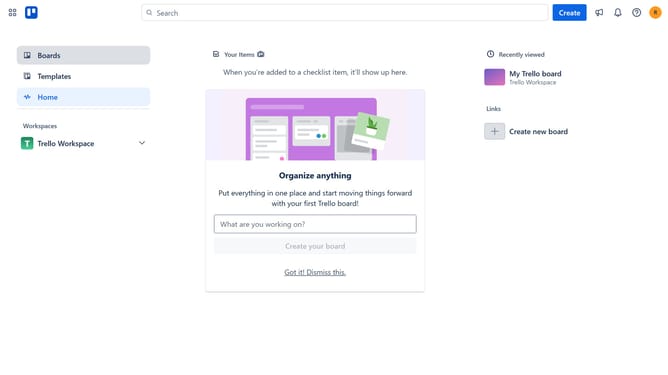
How to sort boards alphabetically Z–A in Trello
Here is how to sort boards alphabetically z–a in trello
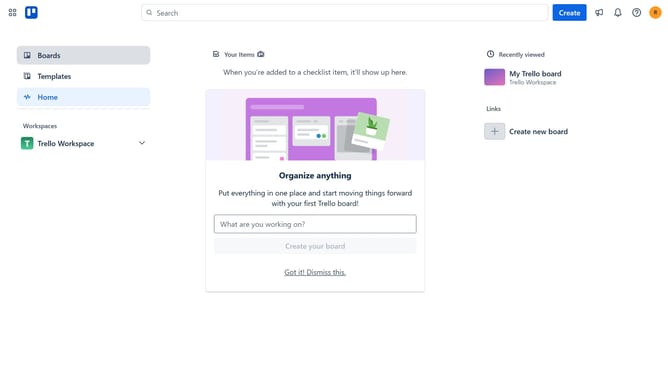
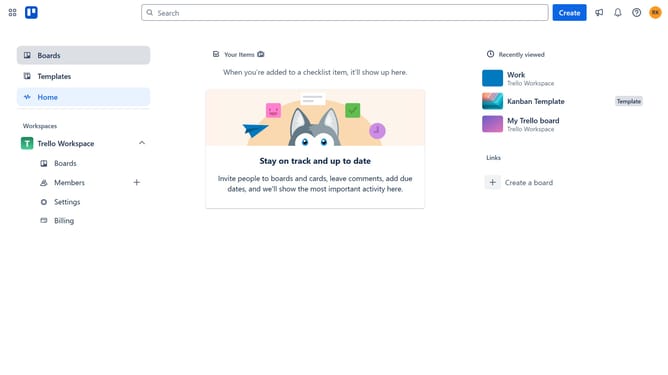
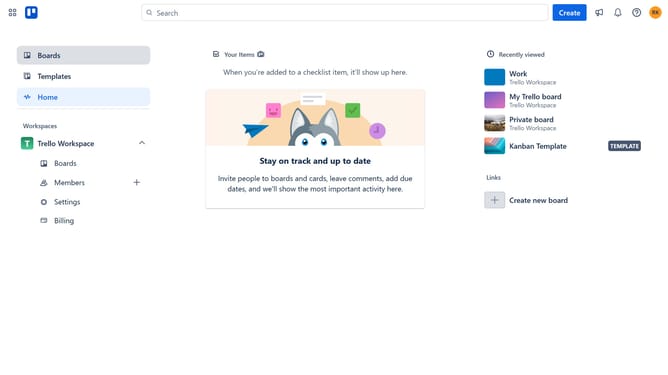
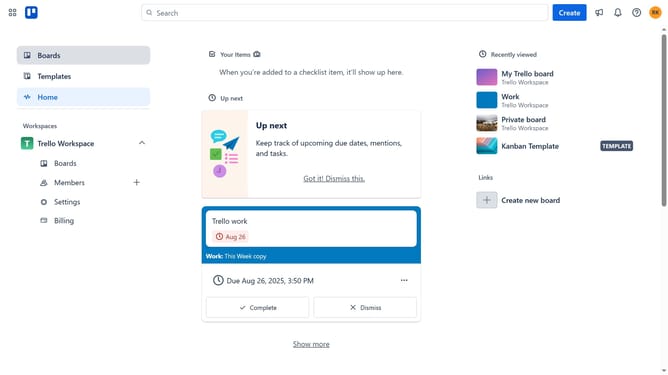
- First click on the "Boards" option in the left sidebar
- Next click on the "Boards" tab in the workspace navigation menu
- Then click on the sort dropdown menu
- Finally select "Alphabetically Z-A" from the sorting options dropdown
Why should you sort boards alphabetically Z–A in Trello
Trello is a versatile tool designed to streamline project management and enhance team collaboration through its intuitive board system.
Organizing your boards alphabetically from Z to A in Trello can significantly boost efficiency, especially when managing a plethora of projects. This feature ensures that your workspace remains uncluttered and navigable, making it easier to find specific boards swiftly.
Sorting boards in this manner also provides a clear visual hierarchy, fostering a structured environment conducive to focus and productivity. Using Trello's sorting feature can optimize your workflow and ultimately save you valuable time.
Last update