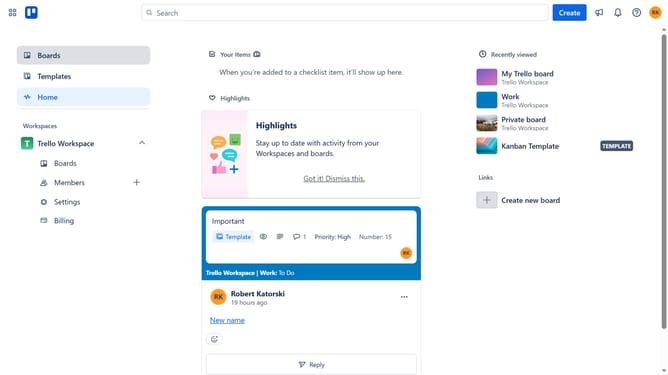
How to make a card a template in Trello
Here is how to make a card a template in trello
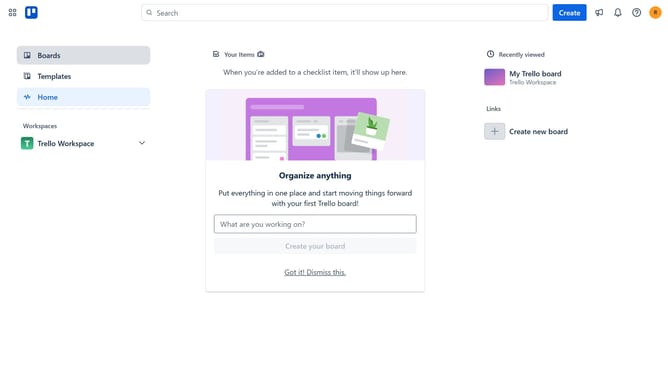
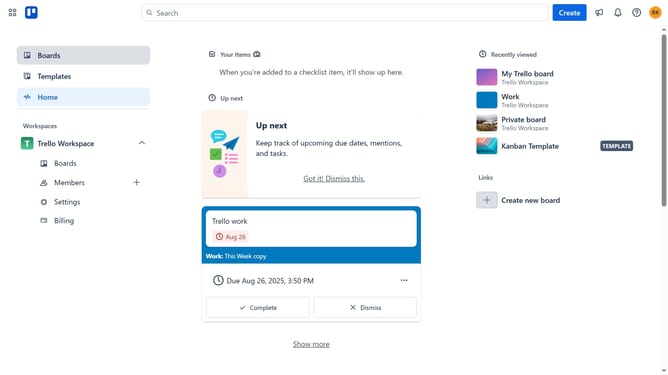
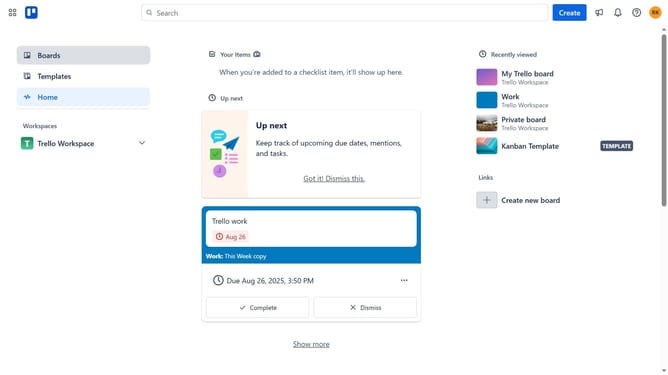
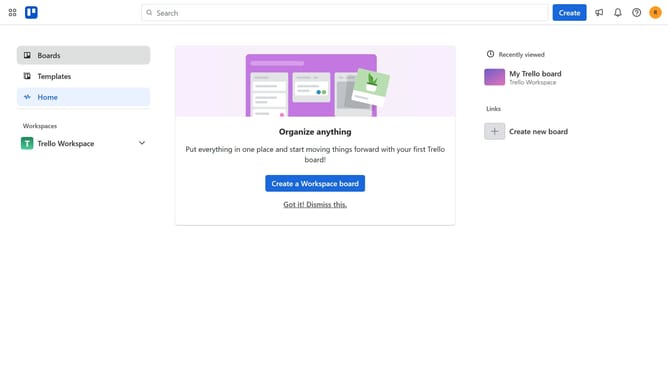
- First click on the "Boards" option in the left sidebar navigation
- Then click on the board that contains the card you want to turn into a template in the workspace section
- Next click on card you want to make a template
- Then click on the "more options" menu (three dots) in the top right corner of the card details
- Finally click on the "Make template" option in the dropdown menu
Why should you make a card a template in Trello
Trello is a versatile project management tool designed to streamline workflow and enhance productivity.
Making a card a template in Trello is a simple yet powerful feature that allows users to replicate successful processes with ease. By converting a card into a template, users can perpetuate efficiency across different projects and teams.
This feature ensures consistency, saving time and reducing errors by eliminating the need to recreate cards from scratch. It is an invaluable tool for maintaining quality and standardization in any task-oriented environment.
Last update