How to add epics by rogue shadows in Trello
Here is how to add epics by rogue shadows in trello
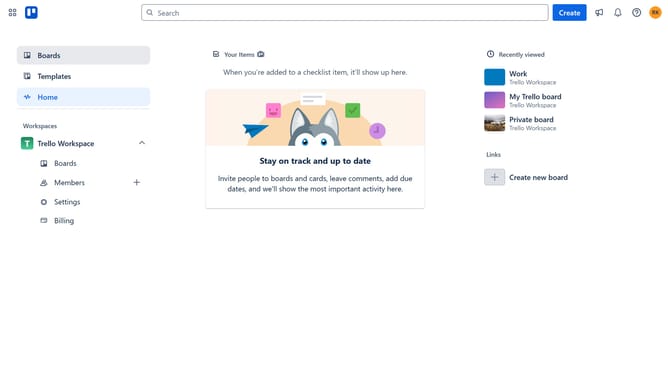
- First click on the "Boards" option in the left sidebar
- Then click a board in the workspace section
- Next click on the "More" button (three dots) in the top-right corner of the board
- Then click on the "Power-Ups" option in the dropdown menu
- Next click on the "Analytics & reporting" category in the Power-Ups menu
- Then click on the "Add" button under the "Epics by Rogue Shadows" option
- Finally click on the "Add" button in the confirmation dialog to install the Power-Up
Why should you add epics by rogue shadows in Trello
Trello is an intuitive project management tool that helps teams streamline and coordinate their tasks visually.
With the "Add Epics by Rogue Shadows" feature, Trello users can enhance their workflows by organizing large projects into manageable segments.
This feature empowers teams to visualize their progress, set strategic goals, and prioritize tasks effortlessly. By adding epics, projects become easier to manage, ensuring a clear focus on high-level objectives and streamlining productivity.
Ultimately, this facilitates better planning and collaboration, propelling team success.
Last update