How to add show due time power-up in Trello
Here is how to add show due time power-up in trello
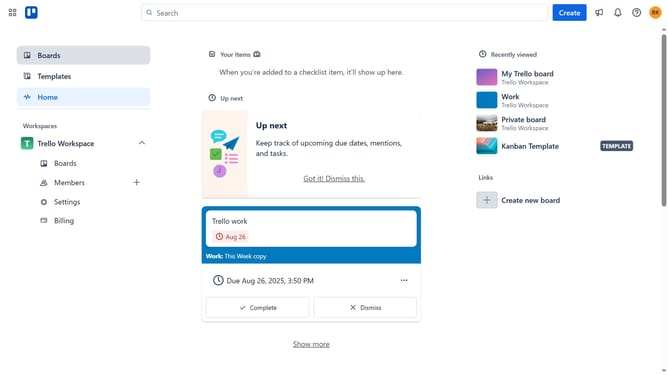
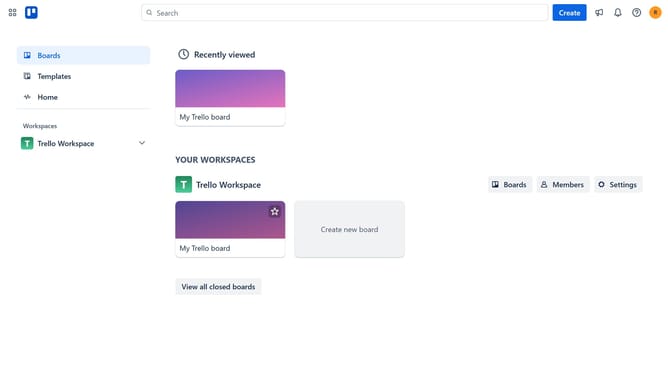
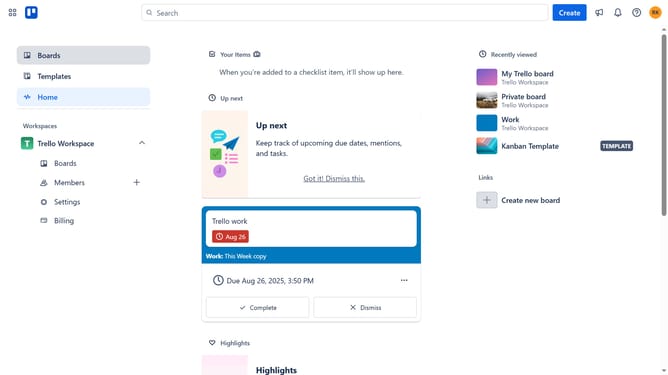
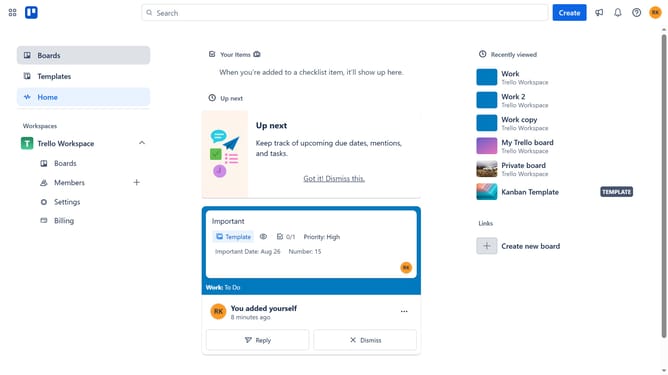
- First click on the "Boards" option in the left sidebar menu
- Then click a board in the workspace section
- Next click on the "More" menu (three dots) button in the top-right corner of the board
- Then click on "Power-Ups" option in the dropdown menu
- Next click on "Board utilities" category in the Power-Ups menu
- Then click the "Add" button under the "Show Due Time" Power-Up to select it
- Finally click the "Add" button to install the Show Due Time Power-Up
Why should you add show due time power-up in Trello
Trello streamlines your project management needs by organizing tasks into intuitive boards.
The "Show Due Time" power-up in Trello enhances time management by displaying exact deadlines directly on cards. This feature allows team members to efficiently prioritize tasks based on urgency, fostering better workflow and collaboration.
Integrating the "Show Due Time" power-up means increased accountability and clarity, ensuring everyone stays aligned with project timelines, crucial for meeting deadlines and achieving goals.
Last update