How to add time slot calendar power-up in Trello
Here is how to add time slot calendar power-up in trello
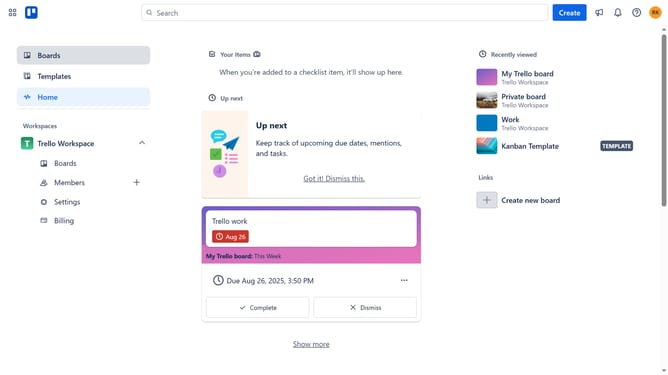
- First click on the "Boards" option in the left sidebar
- Then click a board in the workspace section
- Click on the menu button (...) in the top-right corner of the board
- Select "Power-Ups" option from the dropdown menu
- Click on the "Analytics & reporting" category in the Power-Ups sidebar
- Click the "Add" butto under the "Time Slot Calendar" Power-Up from the list
- Finally click the "Add" button in the Time Slot Calendar confirmation dialog
Why should you add time slot calendar power-up in Trello
Trello is a versatile project management tool designed to organize tasks visually and streamline workflows.
Enhancing Trello with a time slot calendar power-up allows users to efficiently manage and visualize their schedules directly within their boards. By incorporating this feature, teams can allocate specific time slots to tasks, ensuring that deadlines are met without hassle.
This integration not only optimizes time management but also promotes productivity by providing an overview of team availability and workload distribution. Utilizing this tool can transform the way projects are handled, fostering smoother and more organized task execution.
Last update