How to add board export to excel in Trello
Here is how to add board export to excel in trello
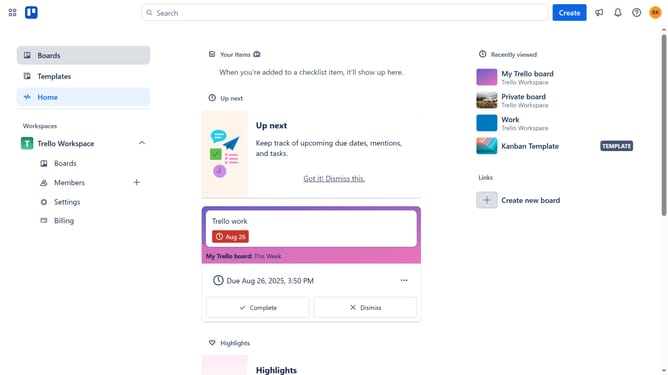
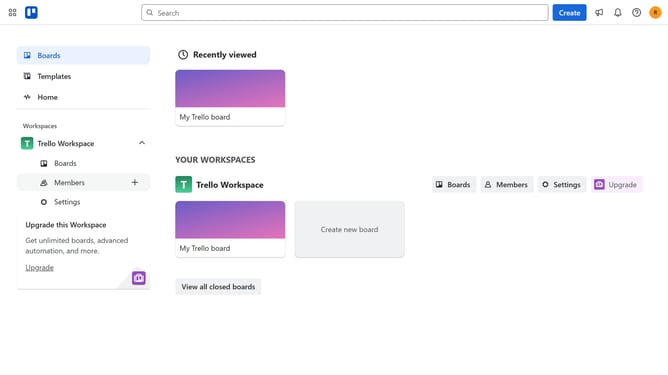
- First click on "Boards" in the left sidebar
- Next click a board in the main workspace area
- Then click on the menu icon (...) in the top-right corner of the board
- In the menu, click on "Power-Ups" option
- Next click on "Automation" category in the Power-Ups menu
- Then click "Add" button under the "Board Export to Excel" power-up
- Finally click "Add" button on the "Board Export to Excel" Power-Up to install it
Why should you add board export to excel in Trello
Trello is a dynamic project management tool designed to streamline your workflow and enhance team collaboration with ease.
By exporting your Trello boards to Excel, you unlock a versatile way to analyze data and produce comprehensive reports. This feature enables you to transform board lists into organized spreadsheets, allowing for meticulous data tracking and assessment.
Using the export function to Excel benefits users by facilitating data sharing and presentation outside of Trello, enhancing overall project transparency and allowing for strategic decision-making backed by tangible data.
Last update