How to add activity in Trello
Here is how to add activity in trello
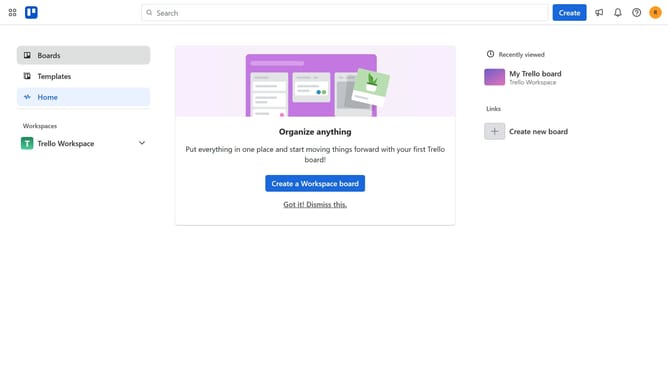
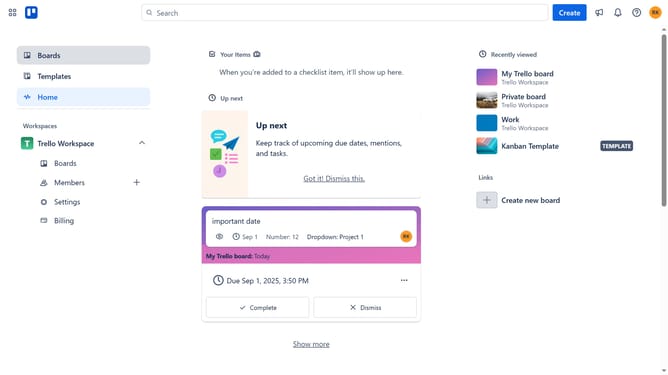
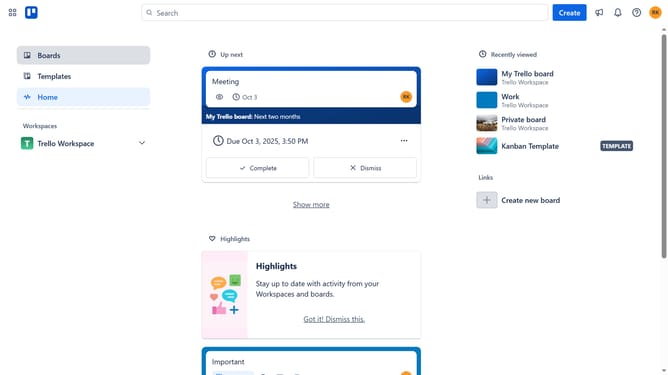
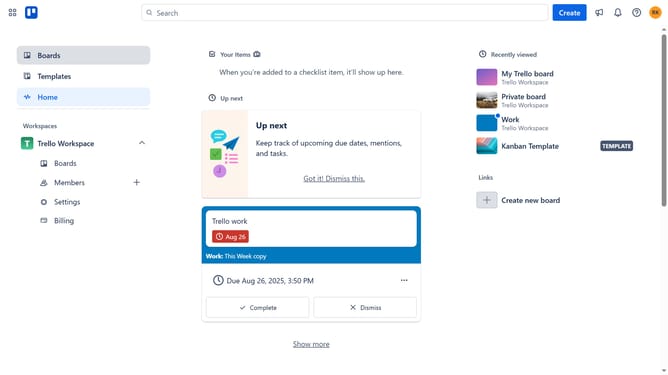
- First click on "Boards" in the left sidebar menu
- Then click a board in the workspace section
- Next click on the three dots menu button in the top-right corner of the board
- Click on "Power-Ups" option in the dropdown menu
- Select "Analytics & reporting" category from the left sidebar
- Click "Add" under the "Activity" Power-Up option
- Finally click the "Add" button in the confirmation dialog to install the Activity Power-Up
Why should you add activity in Trello
Trello, a visual project management tool, streamlines teamwork by organizing tasks into boards.
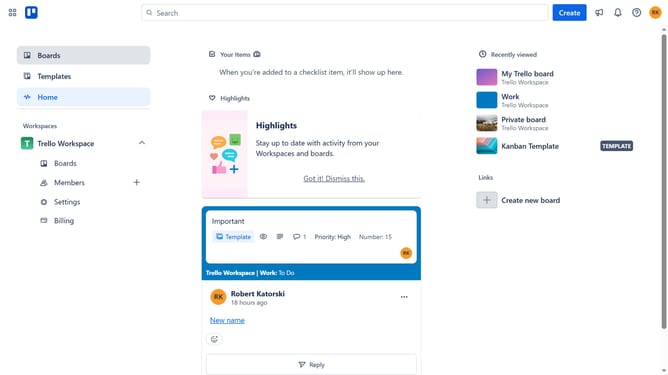
Adding activity in Trello boosts transparency, enabling team members to view updates in real time.
This feature enhances collaboration, ensuring everyone stays informed and aligned on project progress.
Tracking activity fosters accountability and improves communication, ultimately driving productivity and success.
Last update