How to add binotel in Trello
Here is how to add binotel in trello
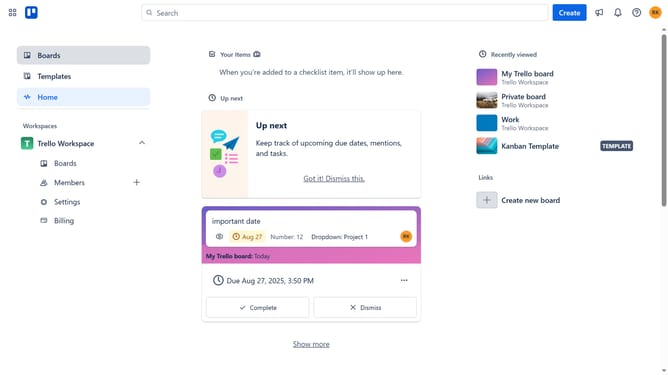
- First click on the search bar in the sidebar labeled "Boards"
- Then click a board in the workspace section
- Next click on the "More" menu button (three dots) in the top-right corner of the board
- Select "Power-Ups" option from the dropdown menu
- Click on the "Automation" category in the left sidebar of the Power-Ups window
- Click on the "Automation" category in the left sidebar of the Power-Ups window
- Click the "Add" button under the "Binotel" power-up
- Finally click the "Add" button in the confirmation dialog to install the Binotel power-up
Why should you add binotel in Trello
Trello is a versatile project management tool designed for seamless collaboration and organization.
Integrating Binotel into Trello elevates communication capabilities, allowing users to manage calls directly within their boards. This fusion streamlines workflow by centralizing tasks and communication, ensuring no detail gets lost.
Using Binotel in Trello enhances productivity, as team members can swiftly connect and update each other without leaving the platform. This results in a more cohesive and efficient working environment.
Last update