How to add assista time tracking power-up in Trello
Here is how to add assista time tracking power-up in trello
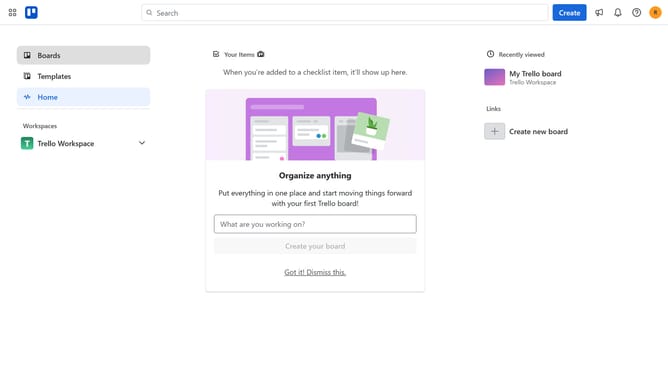
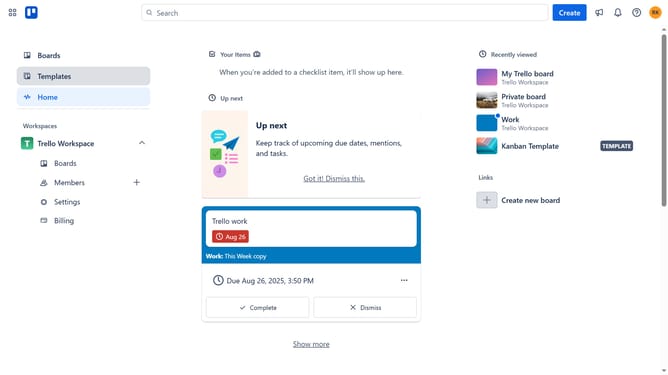
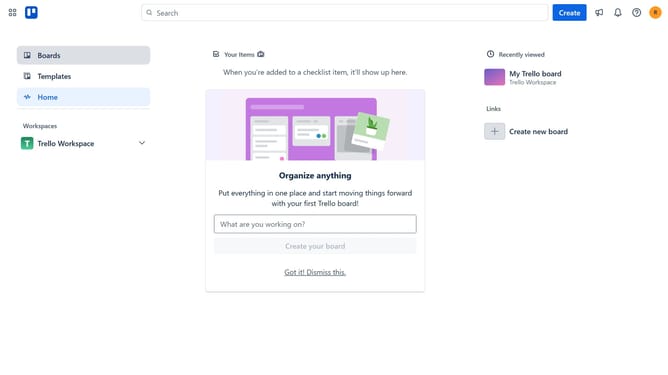
- First click on "Boards" in the left sidebar menu
- Then click a board in the workspace section
- Click the "More" menu button (three dots) in the board header
- Select "Power-Ups" option from the dropdown menu
- Click on "Analytics & reporting" category in the Power-Ups menu
- Click "Add" button for the "Undo for Trello" Power-Up
- Click the "Add" button to confirm adding the Power-Up
- Finally click "Authorize" button to grant permissions to the Power-Up
Why should you add assista time tracking power-up in Trello
Trello is a versatile project management tool designed to streamline workflow and enhance team collaboration.
Adding the Assista time tracking power-up in Trello empowers users with the ability to monitor task duration effortlessly.
Tracking time enhances accountability and productivity, crucial for effective project management and meeting deadlines.
Integrating this feature aligns time management with task management, providing a seamless experience that boosts efficiency.
Last update