How to add agile analytics power-up in Trello
Here is how to add agile analytics power-up in trello
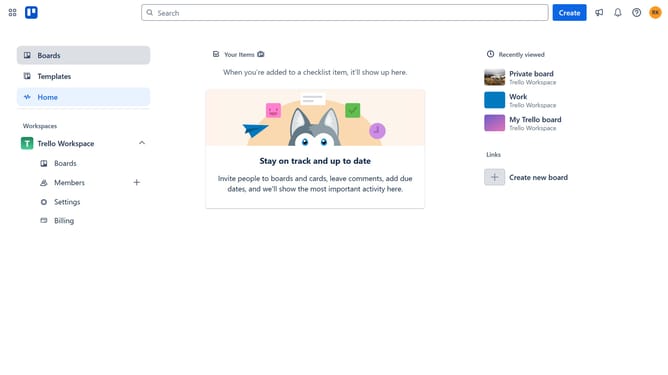
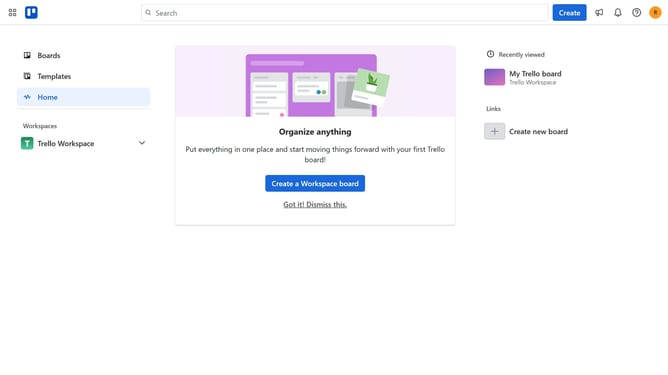
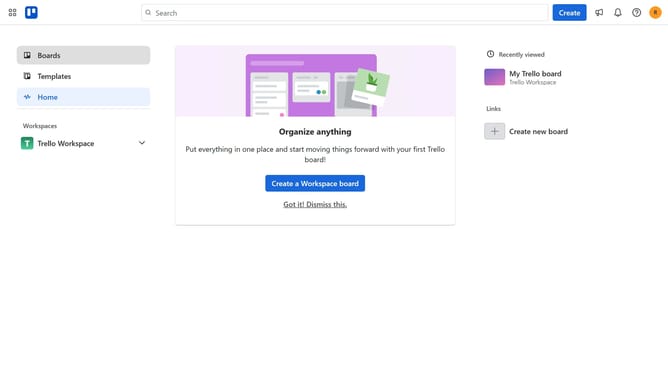
- First click on the "Boards" item in the left sidebar
- Then click a board in the workspace section
- Next click on the "More" button (three dots) in the board header
- Then click on "Power-Ups" option in the dropdown menu
- Next click on "Analytics & reporting" category in the Power-Ups menu
- Then scroll down to find "Agile Analytics by Nave" power-up
- Click on the "Add" button next to Agile Analytics by Nave
- Finally click on the "Add" button in the confirmation dialog to install the power-up
Why should you add agile analytics power-up in Trello
Trello is a versatile project management tool designed to streamline workflow and enhance team collaboration through intuitive visual boards.
By adding the agile analytics power-up in Trello, users can gain insightful data-driven perspectives that refine their project strategies.
This feature enhances your ability to track progress, analyze performance metrics, and drive productivity through actionable insights.
Ultimately, utilizing agile analytics empowers teams to function more efficiently, adapt swiftly, and achieve project goals with precision.
Last update