How to add gaming backlog power-up in Trello
Here is how to add gaming backlog power-up in trello
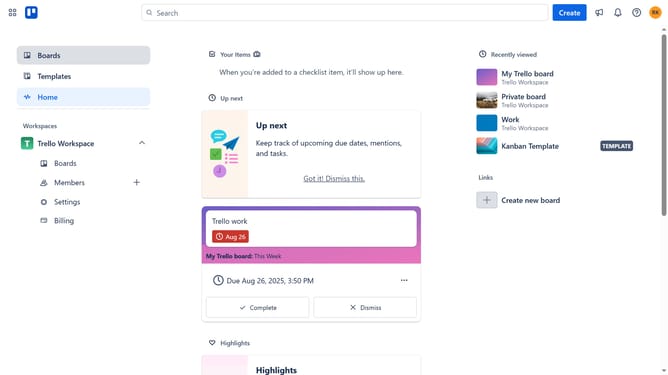
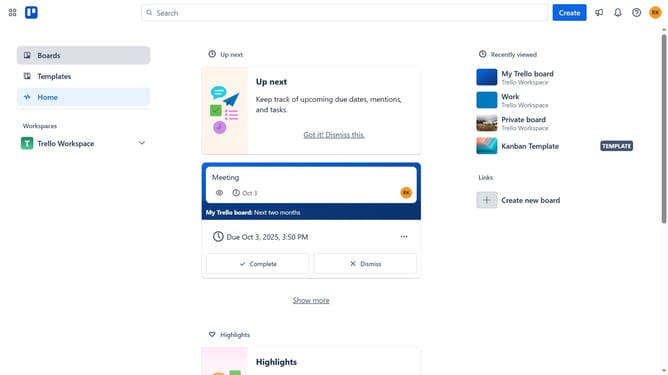
- First click on the "Boards" option in the left sidebar menu
- Then click a board in the workspace area
- Click on the "More options" (three dots) button in the top-right corner of the board
- In the dropdown menu, select "Power-Ups" option
- Click on "Automation" category in the left sidebar of the Power-Ups window
- Scroll down in the automation list
- Review the permissions and click "Add" button to install Gaming Backlog
- Finally click "Add" button in the confirmation dialog to complete the installation
Why should you add gaming backlog power-up in Trello
Trello, a visual project management tool, helps organize and streamline tasks with ease.
Incorporating the gaming backlog power-up in Trello enhances your ability to manage gaming sessions by allowing you to track games, progress, and goals efficiently.
With this feature, gamers can prioritize their play, ensure nothing gets overlooked, and stay motivated. It transforms your gaming experience into a structured yet fun activity, offering clarity and satisfying game completion.
Last update