How to add help scout power-up in Trello
Here is how to add help scout power-up in trello
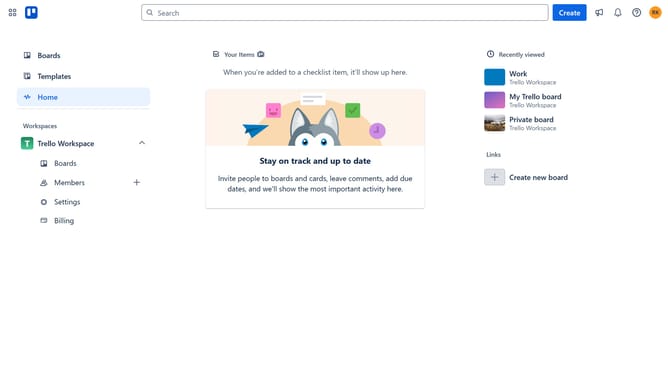
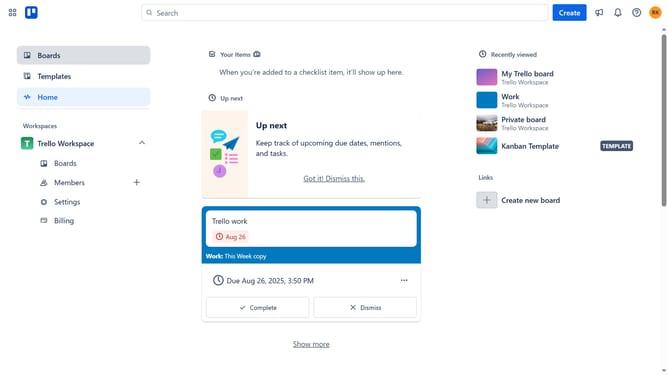
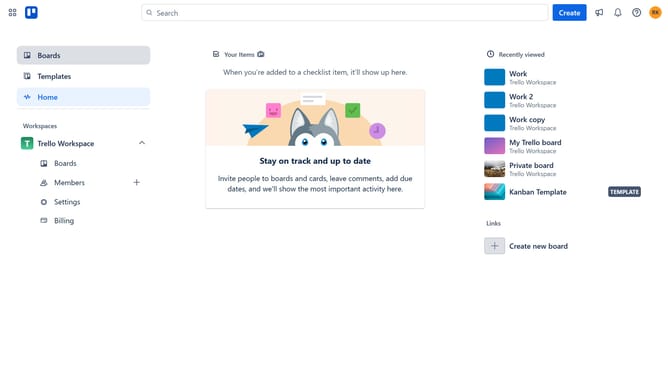
- First click on the "Boards" section in the left sidebar
- Then click a board in the workspace area
- Next click on the "My Trello board" board tile to open it
- Click the "More" menu button (three dots) in the top-right corner of the board
- Select "Power-Ups" option from the dropdown menu
- Scroll down in the communication & collaboration list
- Click on the "Add" button under the Help Scout Power-Up tile
- Finally click the "Add" button in the confirmation dialog to install the Help Scout Power-Up
Why should you add help scout power-up in Trello
Trello is a versatile project management tool designed to enhance collaboration and organization for teams and individuals alike.
By integrating the Help Scout Power-Up, Trello users can seamlessly manage customer support tasks alongside their existing workflows.
This integration brings together the efficiency of Trello's card-based system with the comprehensive customer communication capabilities of Help Scout.
Leveraging this feature keeps teams aligned, ensures customer queries are handled promptly, and enhances overall responsiveness.
Last update