How to add flash power-up in Trello
Here is how to add flash power-up in trello
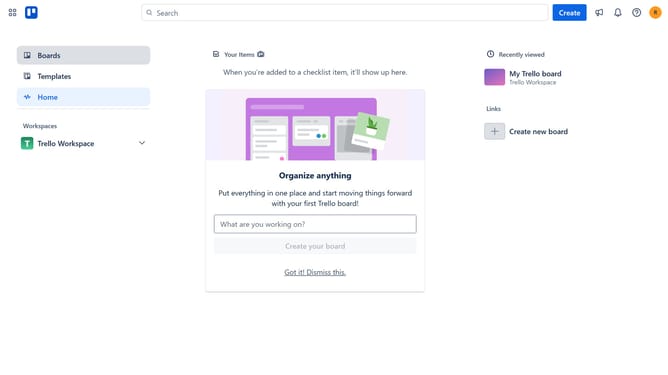
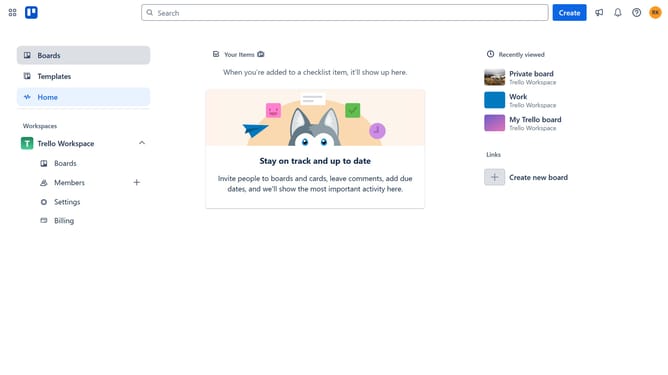
- First click on "Boards" in the left sidebar menu
- Then click a board in the workspace section
- Next click on the "More" button (three dots) in the board header
- Then click on "Power-Ups" option in the dropdown menu
- Next click on "Analytics & reporting" category in the Power-Ups menu
- Then scroll down in the Analytics & reporting section
- Next click on "Add" button for the Flash Power-Up
- Finally click on "Add" button in the Flash permissions dialog to install it
Why should you add flash power-up in Trello
Trello is a dynamic visual tool that helps teams organize projects seamlessly.
Adding the Flash Power-Up in Trello enhances your experience by boosting productivity through real-time notifications and alerts. This feature illuminates urgent tasks, ensuring nothing slips through the cracks.
By integrating the Flash Power-Up, Trello boards become even more effective at communicating priorities. It’s a game-changer for teams that need to stay agile and focused. Enjoy increased clarity and efficiency with this simple yet impactful enhancement.
Last update