How to add amazing fields power-up in Trello
Here is how to add amazing fields power-up in trello
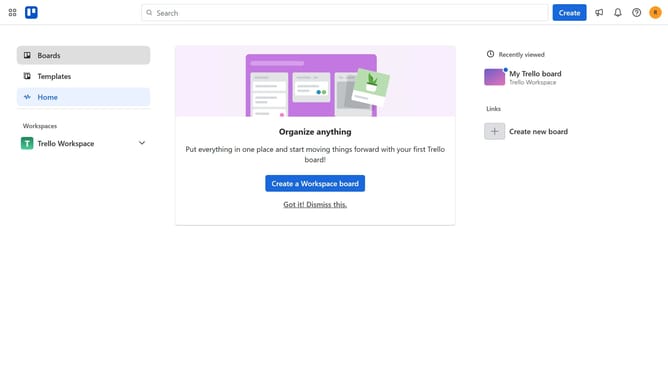
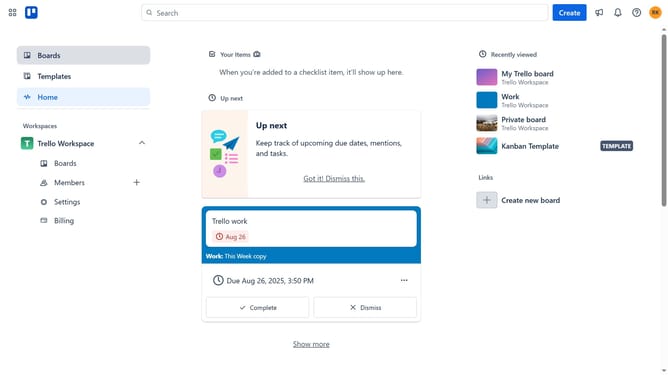
- First click on the "Boards" button in the left sidebar
- Then click a board in the workspace section
- Next click on the "more" menu button (three dots) in the board header
- Then click on "Power-Ups" option in the board menu
- Next click on "Analytics & reporting" category in the Power-Ups menu
- Then click on "Amazing Fields" Power-Up to view its details
- Finally click the "Add" button to install the Amazing Fields Power-Up
Why should you add amazing fields power-up in Trello
Trello is a versatile project management tool designed to streamline teamwork and enhance productivity through intuitive boards and cards.
One of its standout features is the ability to add amazing fields power-up, which allows for customizable fields in your cards. This feature enhances flexibility by providing users the opportunity to create and organize information specific to their unique project needs.
By incorporating amazing fields, teams can gain clarity and insights efficiently, paving the way for enhanced collaboration and smoother project execution.
Last update