How to add manny power-up in Trello
Here is how to add manny power-up in trello
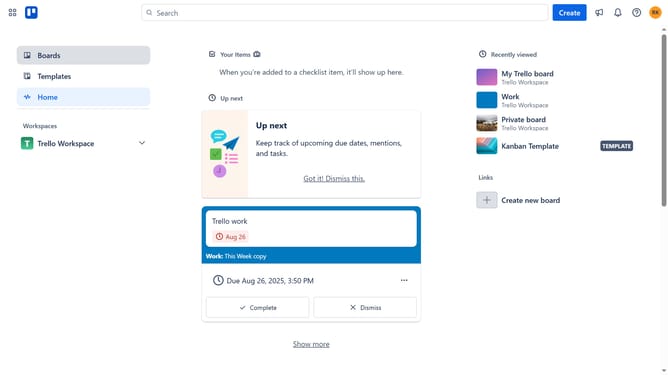
- First click on the "Boards" option in the left sidebar menu
- Next click a board tile in the workspace area
- Then click on the "..." (more options) menu button in the top-right corner
- Next click on the "Power-Ups" option in the dropdown menu
- Then click on the "Automation" category in the left sidebar of the Power-Ups window
- Next scroll down in the automation list
- Then click on the "Add" button for the Manny Power-Up
- Finally click on the "Add" button in the confirmation dialog to install the Manny Power-Up
Why should you add manny power-up in Trello
Trello is a versatile project management tool designed to streamline workflows and enhance team collaboration.
One of Trello's standout features is the ability to add Manny Power-Up, which enhances your board with effortless time-tracking capabilities.
Integrating Manny allows teams to monitor progress efficiently, ensuring deadlines are met and productivity is optimized.
By using this feature, you empower your team to stay organized and focused, paving the way for seamless project execution and success.
Last update