How to add manuscript power-up in Trello
Here is how to add manuscript power-up in trello
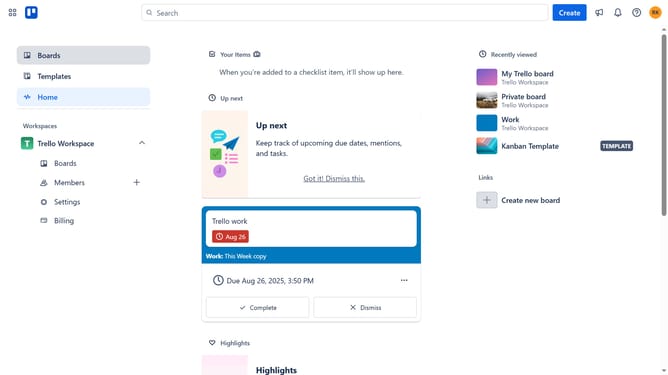
- First click on the "Boards" item in the left sidebar
- Then click a board in the workspace section
- Next click on the "Menu" three dots button in the top-right corner of the board
- Then click on "Power-Ups" option in the dropdown menu
- Next click on "Developer tools" category in the left sidebar of Power-Ups window
- Then click on "Add" button under the Manuscript Power-Up
- Finally click on "Add" button in the Manuscript permissions dialog to install it
Why should you add manuscript power-up in Trello
Trello is a powerful tool designed to streamline project management through its intuitive board and card system.
The Manuscript Power-Up allows users to integrate detailed writing projects directly within Trello, providing a seamless way to manage creative works alongside other tasks.
By adding this feature, you gain the ability to organize sections, track revisions, and collaborate with peers, all within a familiar interface.
Utilizing the Manuscript Power-Up enhances productivity, enabling writers and teams to focus more on crafting content without losing sight of progress.
Last update