How to sort list by number descending in Trello
Here is how to sort list by number descending in trello
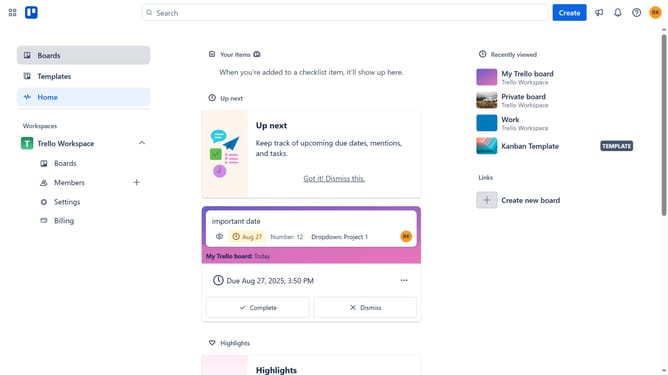
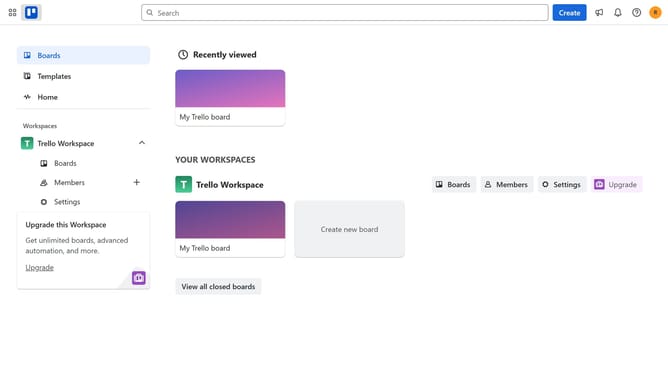
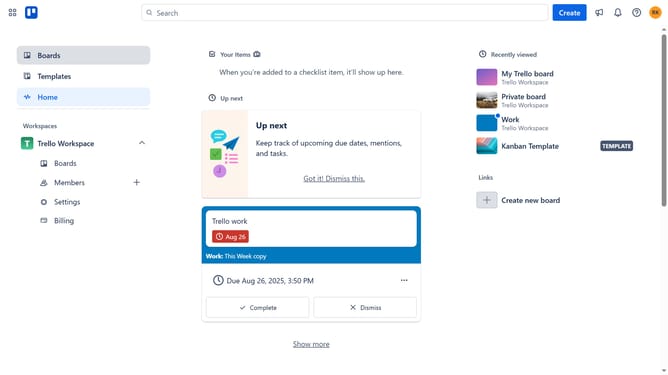
- First click on the "Boards" option in the left sidebar
- Then click a board in the workspace section
- Next click on the "..." menu button next to the header of the list you want to sort
- Then click on "Sort by..." option in the list actions menu
- Finally select "Number (descending)" option in the sort menu
Why should you sort list by number descending in Trello
Trello is a flexible project management tool designed to help organize and prioritize projects in a fun, collaborative way.
Sorting a list by number descending in Trello allows users to efficiently arrange tasks and projects based on priority or urgency.
This feature helps streamline workflows by ensuring that the most critical tasks are easily accessible, reducing time spent searching for important items.
By using this sorting option, teams can consistently maintain focus on what matters most, boosting overall productivity and efficiency.
Last update