How to add pivot table power-up in Trello
Here is how to add pivot table power-up in trello
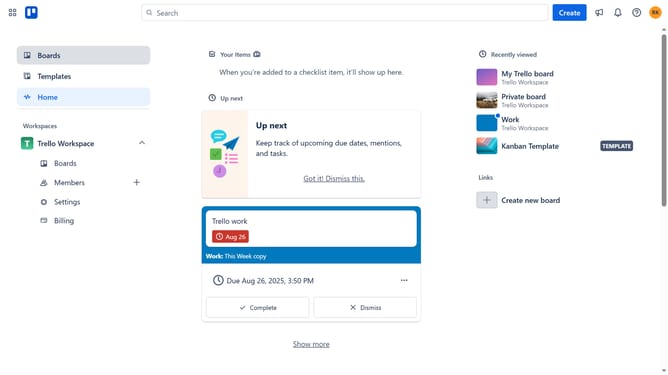
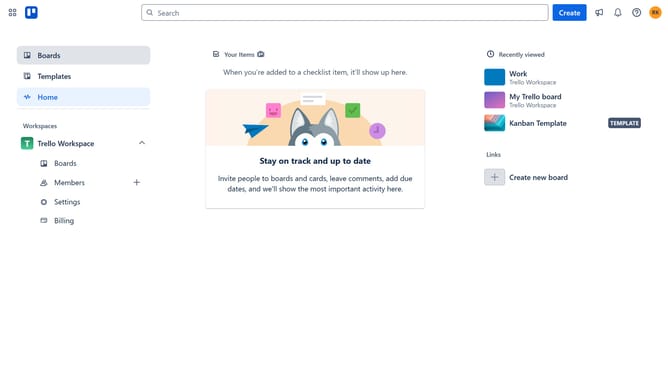
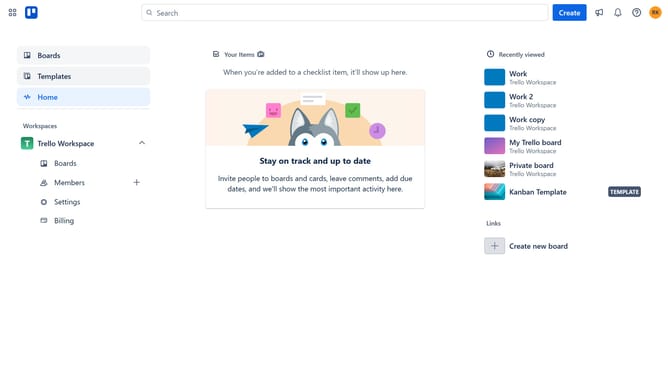
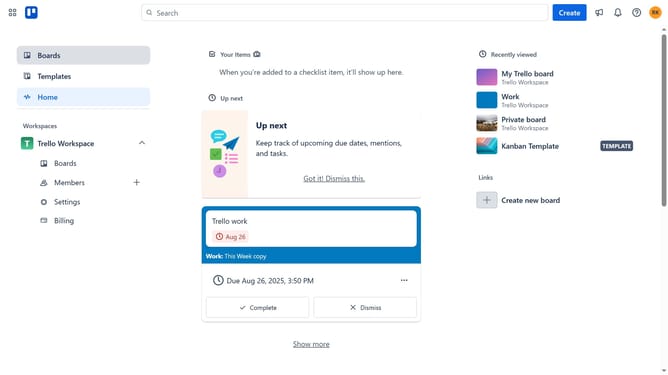
- First click on the "Boards" option in the left sidebar menu
- Then click a board in the workspace boards list
- Next click on the "More" (three dots) menu button in the top-right corner of the board
- Then select "Power-Ups" from the dropdown menu
- Click on "Board utilities" category in the Power-Ups menu
- Click the "Add" button under the "Pivot Table (by Conjoint.ly)" power-up from the board utilities list
- Finally click the "Add" button to confirm adding the Pivot Table power-up
Why should you add pivot table power-up in Trello
Trello is a versatile project management tool designed to help teams organize tasks with ease.
Adding the pivot table power-up in Trello enhances its organizational capabilities by allowing users to analyze and summarize data from Trello boards efficiently. This feature transforms complex data into dynamic, visual reports, providing clearer insights at a glance.
By simplifying data analysis, the pivot table power-up promotes informed decision-making and optimized project management. It's perfect for users wanting to delve deeper into their project metrics without leaving the Trello platform.
Last update