How to add jotform power-up in Trello
Here is how to add jotform power-up in trello
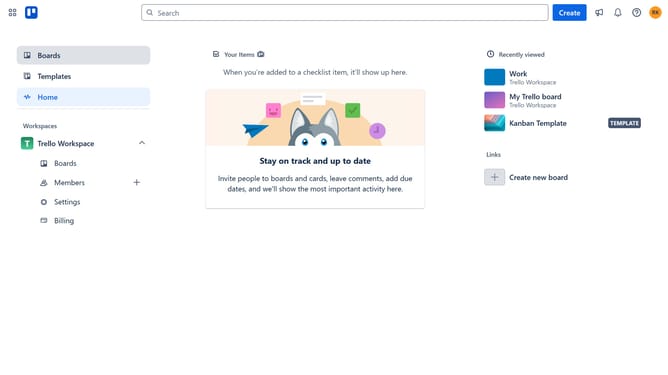
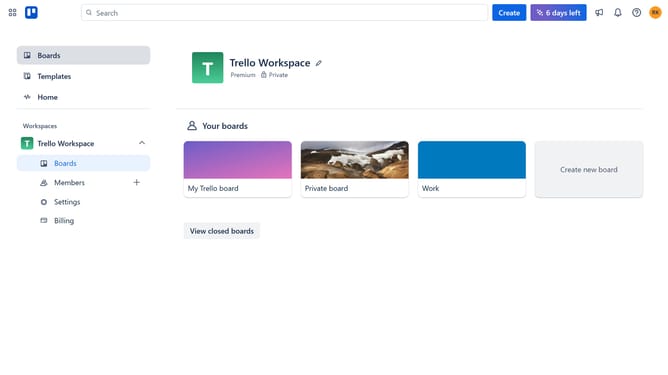
- First click on "Boards" in the left sidebar menu
- Then click a board in the workspace section
- Click on the "More" menu (three dots) button in the top-right corner of the board
- Select "Power-Ups" option from the dropdown menu
- In the Power-Ups window, click on "HR & operations" category in the left sidebar
- Click on "Add" button for the Jotform Power-Up
- Finally click on "Add" button in the Jotform confirmation dialog to install it
Why should you add jotform power-up in Trello
Trello is an intuitive tool perfect for visualizing and streamlining your workflow with boards, lists, and cards.
Enhancing Trello with the Jotform Power-Up allows you to seamlessly integrate versatile forms directly into your Trello boards. This feature is perfect for collecting data, feedback, or submissions, enriching your project management experience.
Utilizing Jotform in Trello offers the benefit of having all your needed information in one place, leading to better organization and efficiency in your team's collaboration.
Last update