How to add kanban wip by corello in Trello
Here is how to add kanban wip by corello in trello
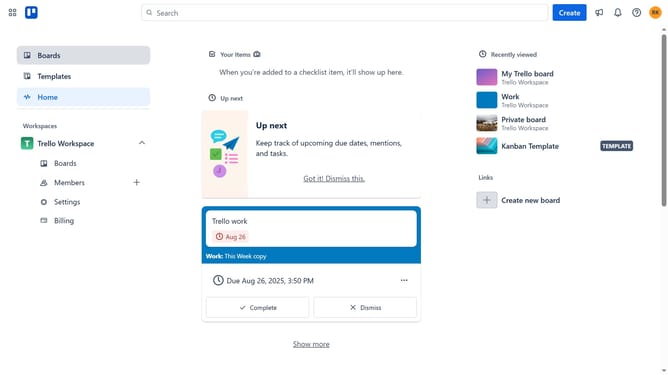
- First click on the "Boards" item in the left sidebar
- Then click a board in the workspace section
- Click on the "More" menu button (three dots) in the top right corner of the board
- Select "Power-Ups" option from the dropdown menu
- In the Power-Ups menu, click on "Developer tools" category in the left sidebar
- Click on "Add" button under the "Kanban WIP by Corrello" power-up
- Finally click on "Add" button in the confirmation dialog to install the power-up
Why should you add kanban wip by corello in Trello
Trello is a visual tool that boosts productivity by organizing projects with cards and boards.
By integrating the kanban WIP (Work In Progress) feature with Corello in Trello, teams can streamline their workflow and enhance efficiency.
This feature helps in setting limits on the number of tasks in progress, preventing overload and ensuring focus on quality and completion.
It provides clarity and helps prioritize tasks, empowering teams to work smarter and meet deadlines with ease.
Last update