How to add pocket a card by kryl solutions in Trello
Here is how to add pocket a card by kryl solutions in trello
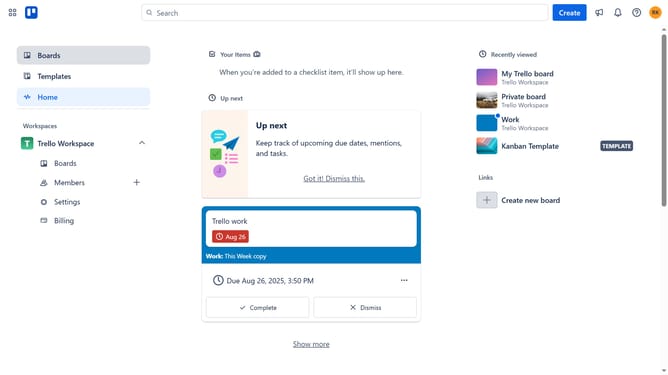
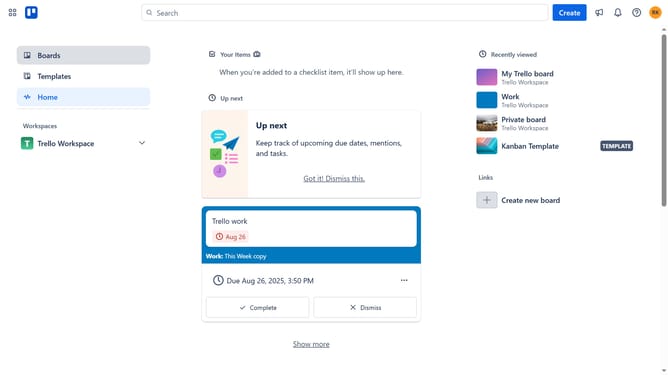
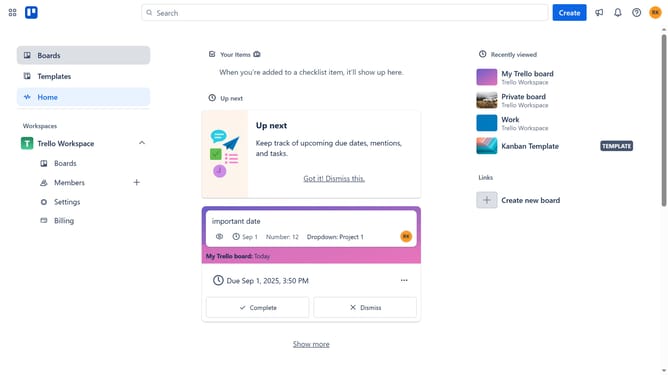
- First click on the "Boards" option in the left sidebar menu
- Then click a board in the workspace section
- Next click on the "More" (three dots) button in the top-right corner of the board
- Select "Power-Ups" option from the dropdown menu
- Click on "Automation" category in the left sidebar of Power-Ups window
- Scroll down in the automation list
- Click on "Add" button under "Pocket a Card by Kryl Solutions" power-up
- Finally click "Add" button in the confirmation dialog to install the power-up
Why should you add pocket a card by kryl solutions in Trello
Trello is a dynamic tool designed to organize tasks and streamline team collaboration through its intuitive boards and cards.
Adding "pocket a card" to Trello via Kryl Solutions introduces an efficient way to manage and archive tasks with ease. This feature enhances your workflow, allowing you to cleanly tuck items away when they're not immediately needed.
The accessibility and simplicity of integrating Kryl’s solution into Trello means less clutter and improved focus on current priorities, making productivity feel seamless and organized.
Last update