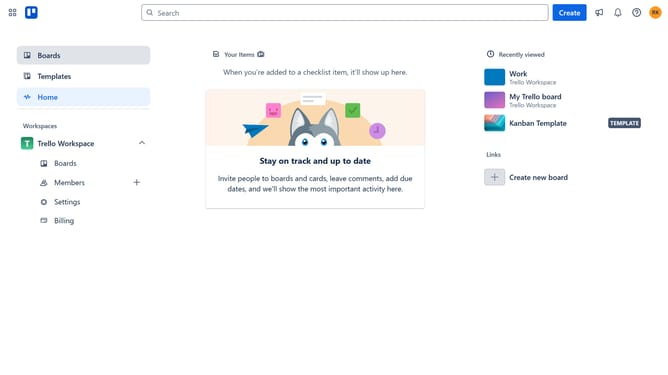
How to rename a board in Trello
Here is how to rename a board in trello
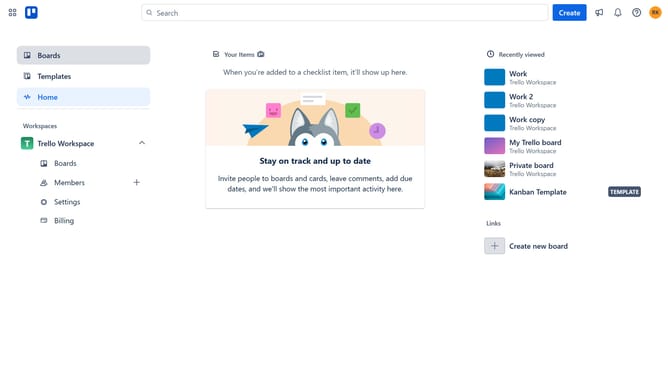
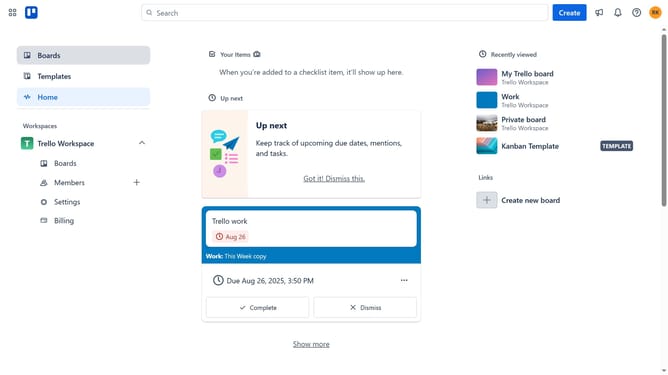
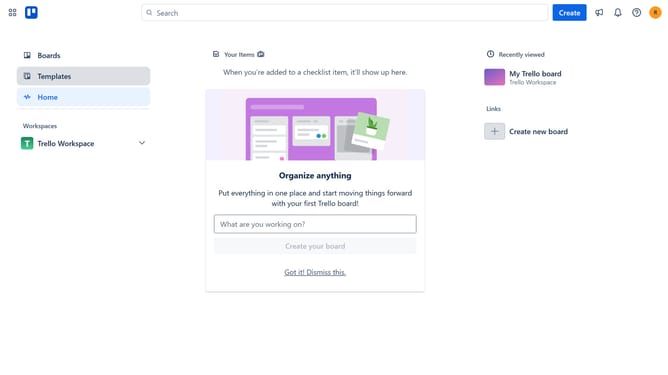
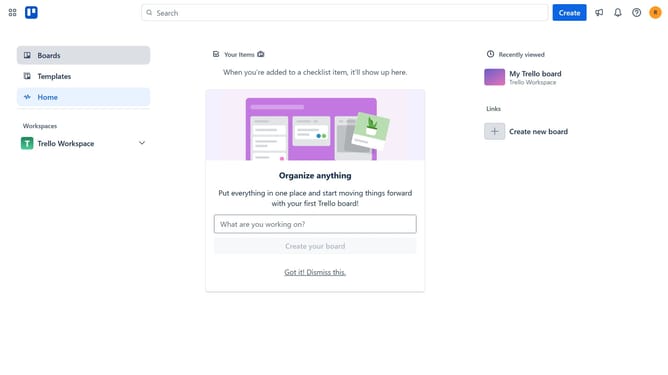
- First click on the "Boards" option in the left sidebar menu
- Then click on the "Work" board tile in the workspace section
- Next click on the name of the board in the top-left and type in the desired name for the board
- Finally hit enter on your keyboard to save the new name of the board
Why should you rename a board in Trello
Trello is a versatile project management tool designed to streamline your workflow with simplicity and flexibility.
Renaming a board in Trello enhances organization, ensuring your boards reflect current project goals or specific themes. It allows team members to quickly identify and access the right board, fostering seamless collaboration.
Being able to update the board name easily means adapting to changes as your projects evolve, which keeps your team aligned and focused on shared objectives, maximizing productivity.
Last update