How to add list limits power-up in Trello
Here is how to add list limits power-up in trello
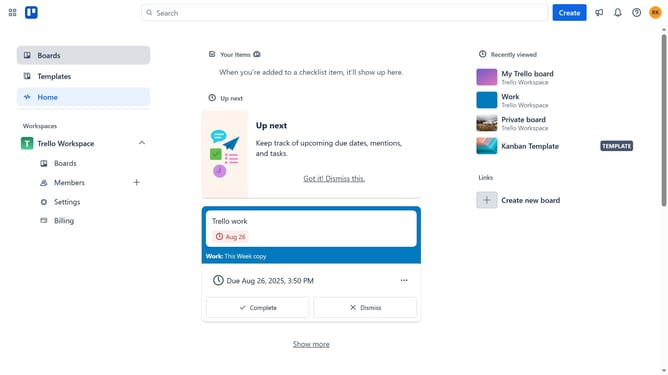
- First click on the "Boards" option in the left sidebar
- Then click a board in the workspace section
- Next click on the menu button ("...") in the top-right corner of the board
- In the dropdown menu, click on "Power-Ups" option
- Scroll down in the power-ups list
- Select "IT & project management" category from the left sidebar
- Finally click the "Add" button under the "List Limits" power-up to install it
Why should you add list limits power-up in Trello
Trello is a dynamic project management tool that simplifies the organization of tasks through intuitive boards and cards.
The List Limits Power-Up in Trello helps users maintain optimal productivity by limiting the number of cards in a list. This feature encourages task prioritization, preventing board overload and ensuring team focus remains on critical assignments.
By setting limits, teams can streamline their workflow, enhance efficiency, and minimize the risk of missed deadlines. Utilizing list limits empowers users to manage workloads effectively, promoting a balanced and productive workspace.
Last update