How to add litmus power-up in Trello
Here is how to add litmus power-up in trello
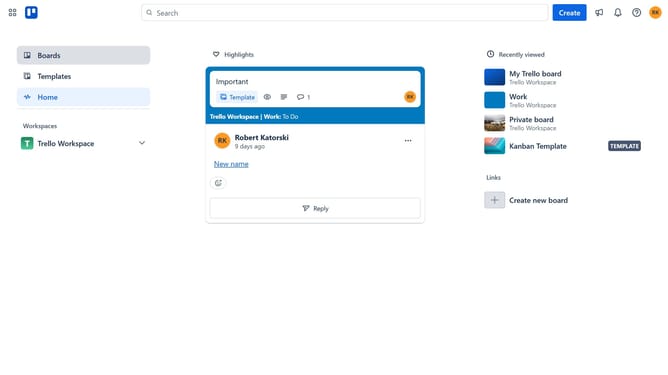
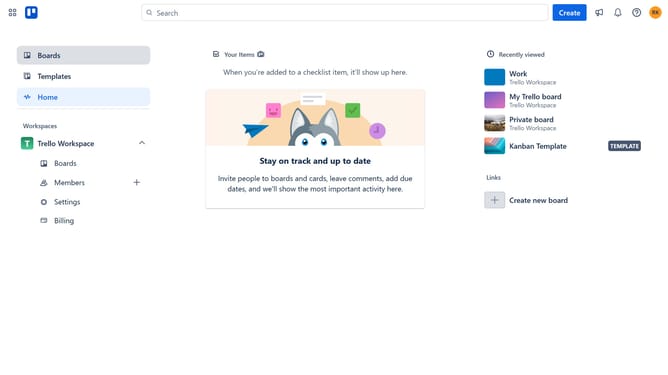
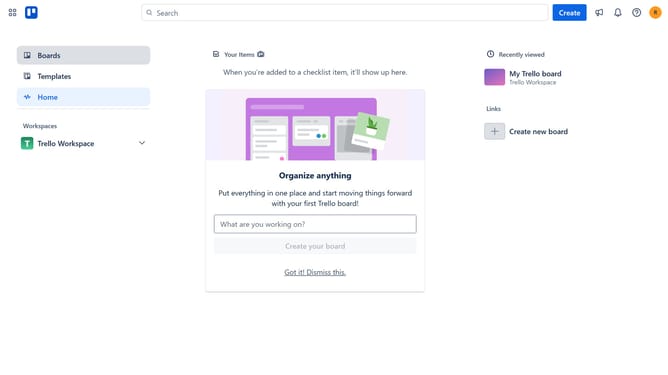
- First click on the "Boards" option in the left sidebar
- Then click a board in the workspace section
- Next click on the "More" menu button (three dots) in the top-right corner of the board
- Then click on the "Power-Ups" option in the dropdown menu
- In the Power-Ups menu, click on "Communication & collaboration" category in the left sidebar
- Then click on the "Add" button under the Litmus power-up card
- Finally click on the "Add" button in the Litmus confirmation dialog to install it
Why should you add litmus power-up in Trello
Trello is a visual collaboration tool that transforms project management through its intuitive boards, lists, and cards.
The Litmus power-up in Trello enhances your email marketing workflow by seamlessly integrating email testing within your project management process.
This feature allows you to preview and test emails directly in Trello, ensuring your email campaigns are visually perfect on every device before sending.
Using the Litmus power-up in Trello enables your team to collaborate more effectively, making your email marketing efforts more efficient and successful.
Last update