How to add smart deadlines power-up in Trello
Here is how to add smart deadlines power-up in trello
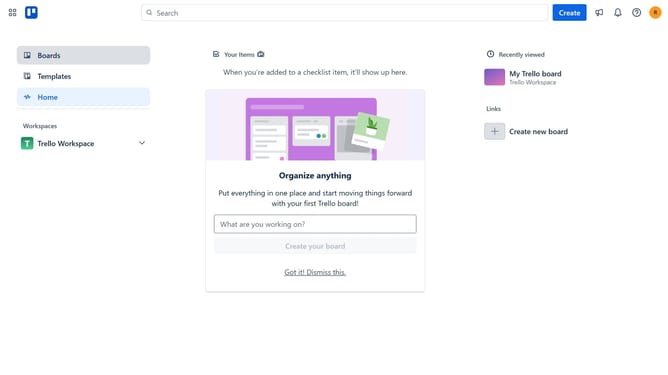
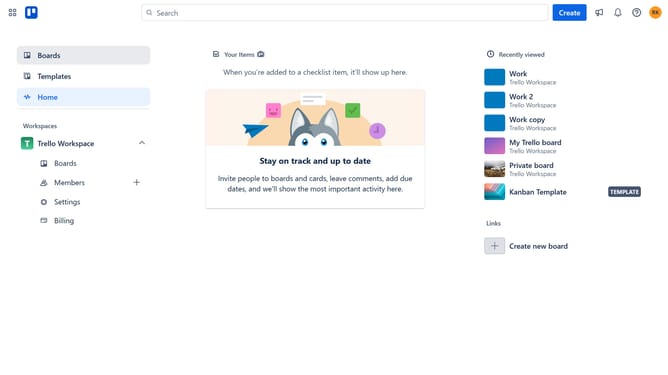
- First click on "Boards" in the left sidebar menu
- Then click a board in the workspace section
- Next click on the "More" menu button (three dots) in the top-right corner of the board
- Then click on "Power-Ups" option in the dropdown menu
- Next click on "Developer tools" category in the left sidebar of the Power-Ups window
- Then click on the "Add" button under the "Smart Deadlines" power-up to open its details
- Finally click the "Add" button to install the Smart Deadlines power-up
Why should you add smart deadlines power-up in Trello
Trello is a versatile project management tool designed to streamline your workflow and enhance productivity.
Adding the Smart Deadlines Power-Up in Trello brings an innovative approach to time management, automatically adjusting due dates based on your workflow dynamics.
This feature helps maintain realistic timelines and minimizes deadline stress, encouraging a balanced workload among team members. By integrating Smart Deadlines, you ensure tasks are handled with optimal efficiency and priority.
Last update