How to add freshservice power-up in Trello
Here is how to add freshservice power-up in trello
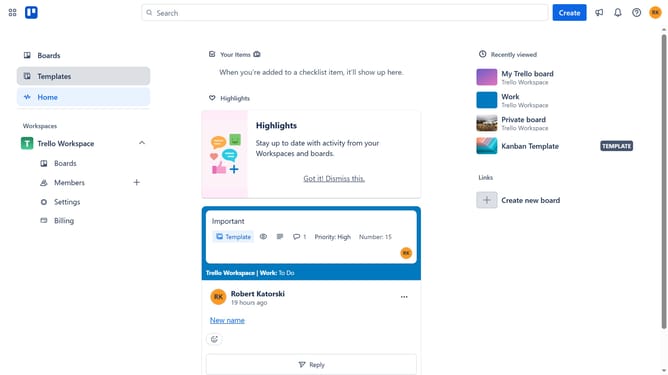
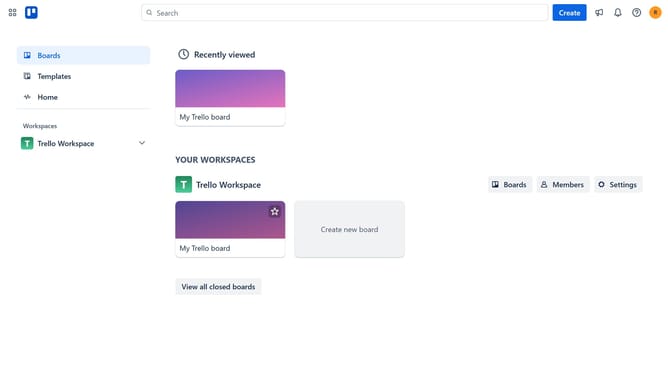
- First click on the "Boards" option in the left sidebar menu
- Then click a board in the workspace area
- Next click on the "More options" button (three dots) in the top-right corner of the board
- In the dropdown menu, click on the "Power-Ups" option
- Click on the "Communication & collaboration" category in the left sidebar of the Power-Ups window
- Scroll down and locate the "Freshservice" Power-Up in the list
- Click the "Add" button under the Freshservice Power-Up
- Finally, click the "Add" button in the confirmation dialog to complete the Power-Up installation
Why should you add freshservice power-up in Trello
Trello is a dynamic tool designed to streamline task management and collaboration on projects.
Integrating the Freshservice Power-Up with Trello seamlessly enhances organizational efficiency.
This integration allows for smooth tracking of support tickets directly from your Trello boards, keeping everything aligned.
By enabling this feature, teams can effectively manage service requests alongside ongoing tasks, ensuring timely responses and boosting overall productivity.
Last update