How to add notefy power-up in Trello
Here is how to add notefy power-up in trello
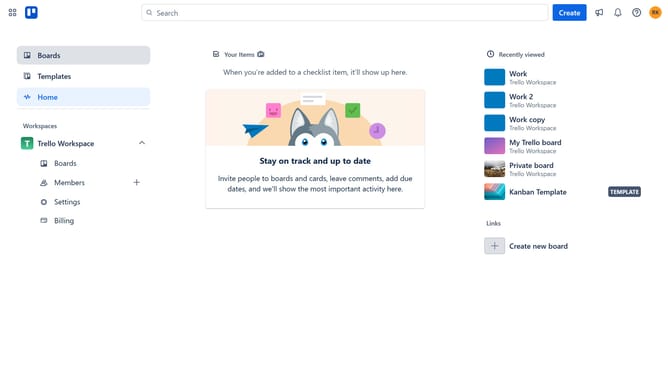
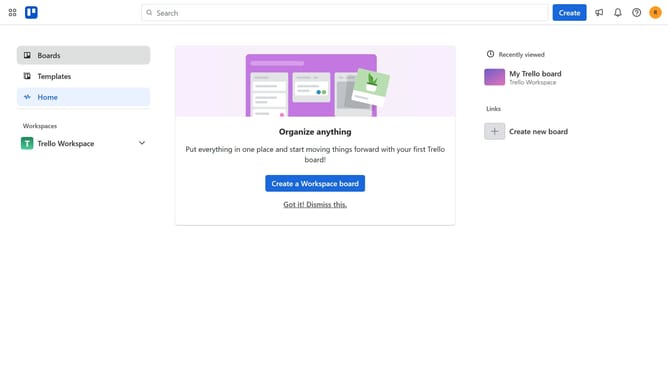
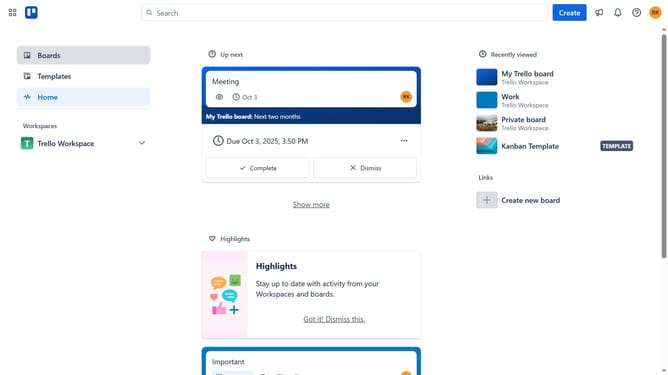
- First click on "Boards" option in the left sidebar menu
- Then click a board in the workspace section
- Then click on "More options" (three dots) button in the top-right corner of the board
- Next click on "Power-Ups" option in the dropdown menu
- Then click on "Communication & collaboration" category in the left sidebar
- Next scroll down to find "Notefy" power-up in the Communication & collaboration section
- Then click on "Add" button under the the Notefy power-up
- Finally click on "Add" button in the confirmation dialog to install the Notefy power-up
Why should you add notefy power-up in Trello
Trello is a dynamic project management tool designed to boost team productivity and organization.
The Notefy Power-Up provides a seamless way to integrate timely note-taking features directly into your Trello boards. Its presence enhances communication by allowing users to quickly jot down thoughts and task details, preventing crucial information from slipping through the cracks.
Utilizing Notefy in Trello brings clarity and precision, ensuring team members have all information at their fingertips when managing projects. This feature ultimately streamlines workflows and enhances team collaboration.
Last update