How to add member groups power-up in Trello
Here is how to add member groups power-up in trello
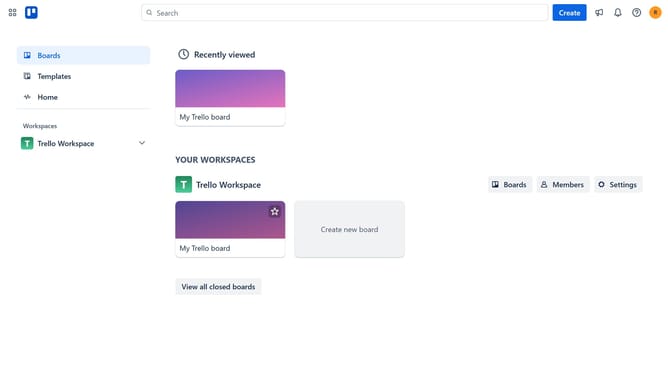
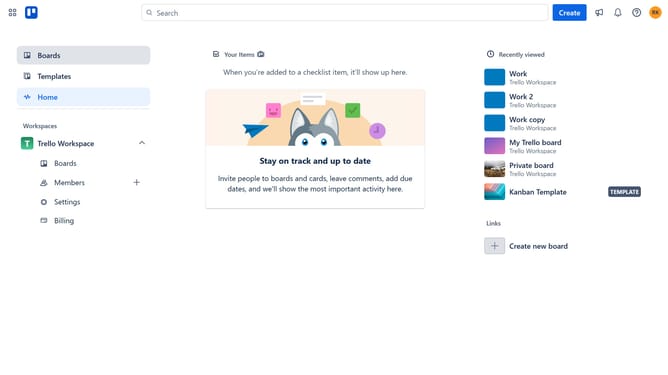
- First click on "Boards" in the left sidebar menu
- Then click a board in the workspace area
- Click the "More" (three dots) button in the top-right corner of the board
- Select "Power-Ups" option from the dropdown menu
- Click on "Communication & collaboration" category in the left sidebar of Power-Ups window
- Click on the "Add" button under the "Member Groups" power-up in the communication & collaboration list
- Finally click the "Add" button in the power-up details dialog to install it
Why should you add member groups power-up in Trello
Trello is a versatile collaboration tool designed to streamline task management and enhance team productivity.
The Member Groups Power-Up in Trello elevates your organization efforts by allowing you to categorize members into specific groups.
This feature is particularly beneficial for larger teams, making it easier to assign tasks and communicate within specific groups.
Overall, applying the Member Groups Power-Up fosters a more efficient workflow, promoting clearer communication and improved team coordination.
Last update