How to add superoffice power-up in Trello
Here is how to add superoffice power-up in trello
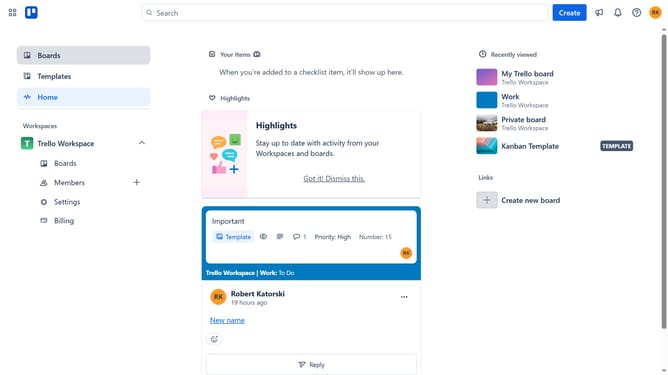
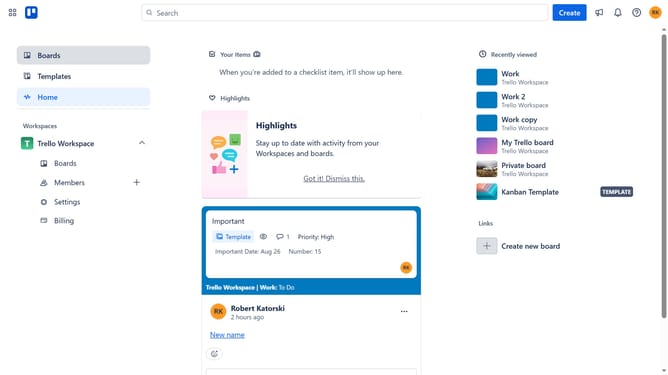
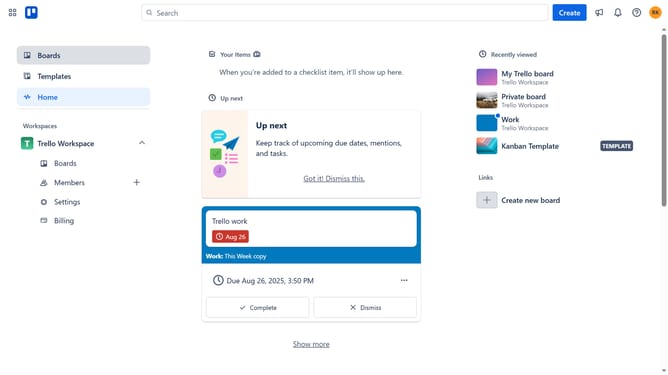
- First click on "Boards" in the left sidebar navigation menu
- Then click a board in the workspace section
- Click on the "More options" (three dots) button in the top-right corner of the board
- Select "Power-Ups" option from the dropdown menu
- Click on "Communication & collaboration" category in the left sidebar of Power-Ups window
- Scroll down to find "SuperOffice for Trello" power-up
- Click the "Add" button under the SuperOffice for Trello power-up
- Finally click the "Add" button in the confirmation dialog to install the power-up
Why should you add superoffice power-up in Trello
Trello is a versatile tool designed to streamline project management, helping teams visualize tasks and progress with ease.
Incorporating the SuperOffice Power-Up into Trello can greatly enhance productivity by seamlessly integrating CRM capabilities within your project boards.
This integration allows users to leverage customer insights directly in Trello, fostering better communication and informed decision-making.
Overall, adding the SuperOffice Power-Up to Trello makes managing projects more strategic and efficient.
Last update