How to add advanced comments by aj in Trello
Here is how to add advanced comments by aj in trello
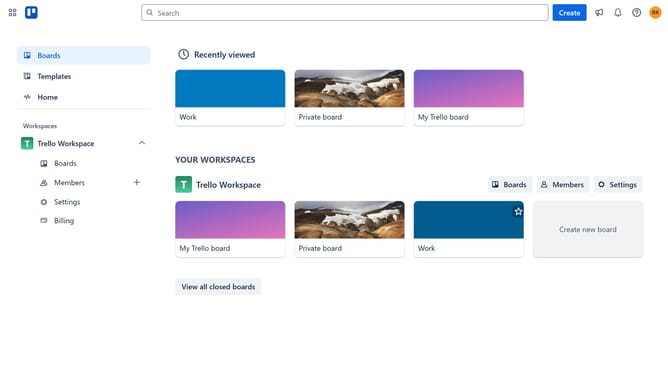
- First click on "Boards" in the left sidebar menu
- Then click a board in the workspace area
- Next click on the "More" menu (three dots) in the top-right corner of the board
- Then click on "Power-Ups" option in the dropdown menu
- Next click on "Communication & collaboration" category in the left sidebar of Power-Ups window
- Then click on the "Add" button under the "Advanced Comments by AJ" power-up card
- Finally click "Add" button in the power-up details dialog to install it
Why should you add advanced comments by aj in Trello
Trello is a versatile tool designed for seamless collaboration and project management.
The advanced comments by aj feature enhances this experience by allowing users to integrate more detailed feedback into their workflows effortlessly.
This feature provides contextual clarity, helping teams to communicate specifics without clutter, leading to a more organized and efficient project timeline.
Utilizing advanced comments not only optimizes team interaction but also elevates decision-making by ensuring that essential viewpoints are captured and regarded.
Last update