How to add number of card-is in Trello
Here is how to add number of card-is in trello
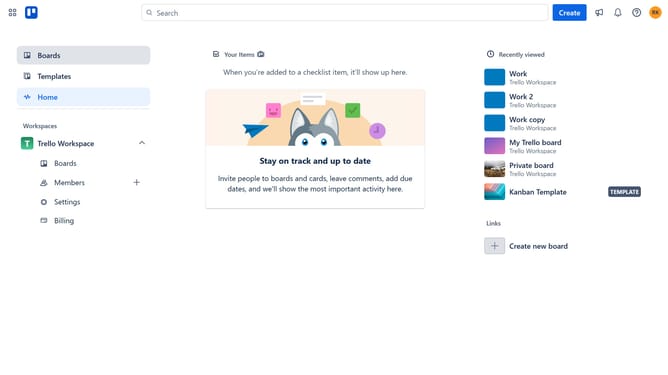
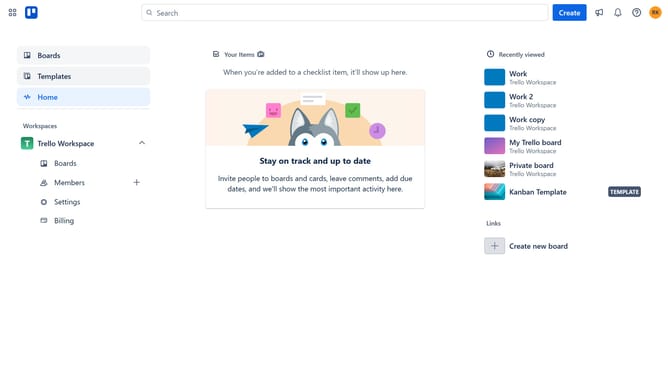
- First click on the "Boards" item in the left sidebar
- Then click a board in the workspace section
- Next click on the three dots menu button in the top-right corner
- Then click on "Power-Ups" option in the dropdown menu
- Next click on "Communication & collaboration" category in the left sidebar
- Then click on "Add" button under the "Number of Card-is for Trello" power-up
- Next click the "Add" button under the "Number of Card-is for Trello" power-up
- Finally click on the "Add" button in the confirmation dialog to install the power-up
Why should you add number of card-is in Trello
Trello is a dynamic and intuitive tool designed to enhance productivity through visual organization.
Incorporating the number of card-is in Trello adds a layer of transparency and immediacy to your workflow. It allows team members to quickly gauge progress and workload at a glance.
Using card numbers boosts efficiency, as it enables easy reference and communication among team members, ensuring everyone is aligned.
This feature enhances the overall strategic management of tasks, promoting a smoother, more organized project execution.
Last update