How to add hourly power-up in Trello
Here is how to add hourly power-up in trello
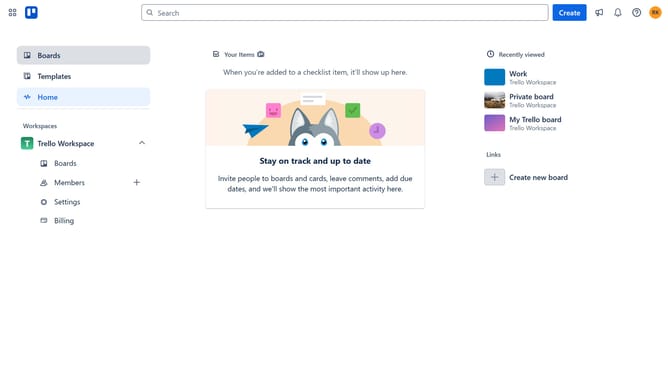
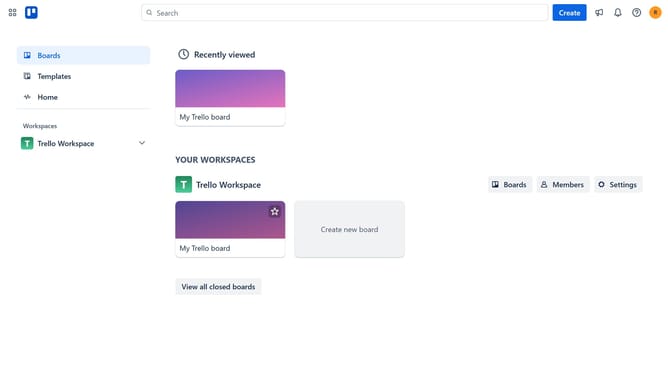
- First click on the "Boards" item in the left sidebar menu
- Then click a board in the main workspace area
- Next click on the more options menu ("...") button in the top-right corner of the board
- Then click on the "Power-Ups" option in the dropdown menu
- Next click on the "Communication & collaboration" category in the left sidebar of the Power-Ups window
- Then click on the "Add" button under the Hourly Power-Up tile
- Finally click on the "Add" button in the Hourly Power-Up confirmation dialog
Why should you add hourly power-up in Trello
Trello is a dynamic tool designed to streamline and enhance your project management processes.
Adding an hourly power-up in Trello infuses your workflows with timely precision and effective task monitoring. Seamlessly integrating this feature can revolutionize how teams track progress and allocate resources.
This power-up empowers you to visualize time distribution, ensuring that every task gets the attention it deserves. Elevate your productivity, stay aligned with goals, and make the most of every hour with Trello’s innovative capabilities.
Last update