How to add itsware power-up in Trello
Here is how to add itsware power-up in trello
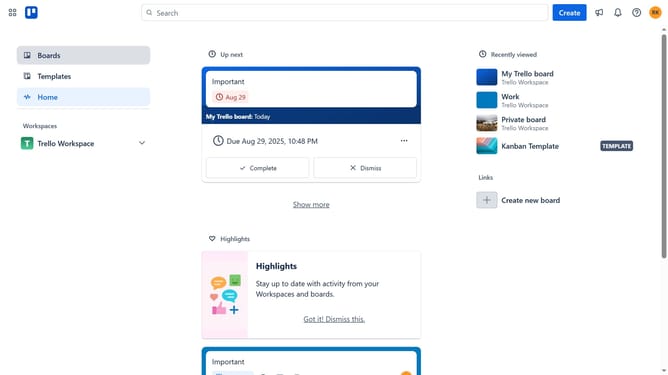
- First click on the "Boards" item in the left sidebar menu
- Then click a bord in the workspace section
- Click on the menu button (...) in the top-right corner of the board
- Select "Power-Ups" option from the dropdown menu
- Click on the "Automation" category in the left sidebar of the Power-Ups window
- Click the "Add" button under the "ItsWare" option in the automation list
- Finally click the "Add" button to install the ItsWare Power-Up
Why should you add itsware power-up in Trello
Trello is a versatile project management tool designed to simplify team collaboration and task organization.
Integrating the Itsware power-up in Trello enhances your workflow by providing additional functionality tailored to your team's needs. With just a few steps, this power-up seamlessly integrates into your existing Trello boards.
Using Itsware in Trello offers numerous benefits, such as increased productivity and streamlined processes. It adapts to your specific project requirements, ensuring your team stays on track and achieves objectives efficiently.
Last update