How to add deadline push notifications in Trello
Here is how to add deadline push notifications in trello
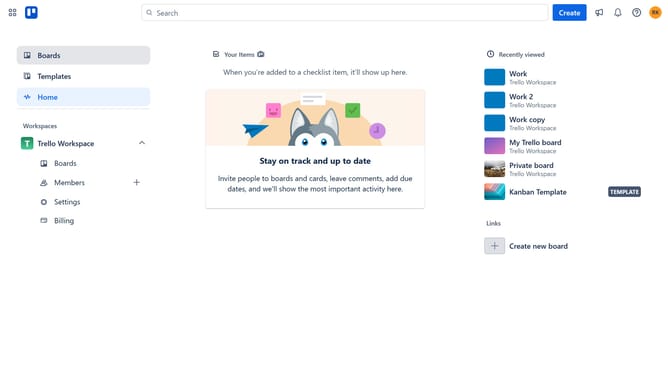
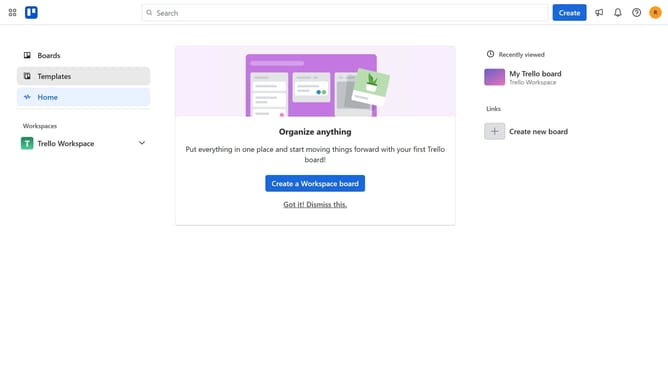
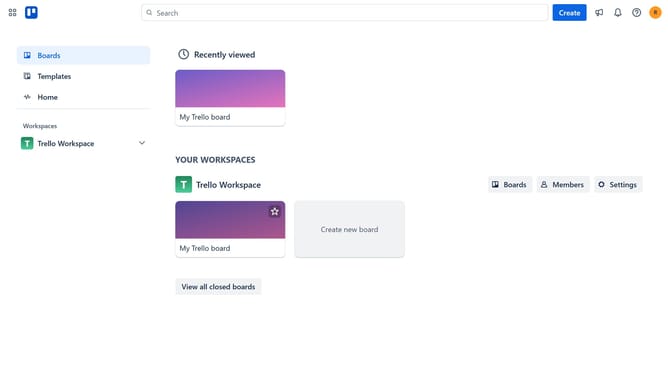
- First click on the "Boards" button in the left sidebar
- Then click a board the workspace section
- Next click on the three dots menu button in the top-right corner of the board
- Scroll down in the menu dropdown
- Select "Power-Ups" button in the expanded menu
- Click on "Automation" category in the Power-Ups menu
- Click the "Add" button under the "Deadline Push Notifications (Reminder)" Power-Up
- Finally click the blue "Add" button to install the Power-Up
Why should you add deadline push notifications in Trello
Trello is a dynamic project management tool designed to organize your tasks seamlessly and boost productivity.
Adding deadline push notifications in Trello ensures you never miss an important task by sending timely alerts.
The feature helps users stay on top of their workload, providing peace of mind and enabling efficient time management.
Ultimately, this boosts productivity as team members focus on meeting deadlines, ensuring project success.
Last update