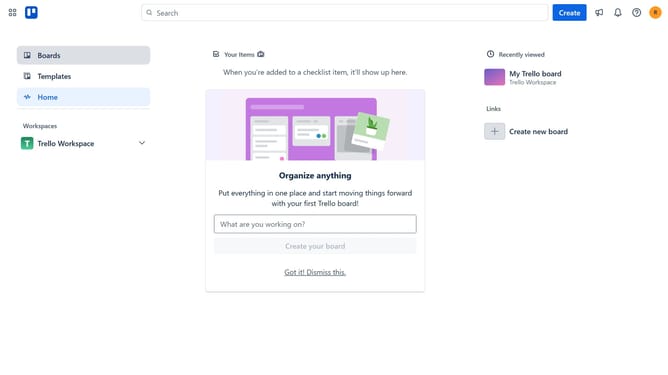
How to add join.me power-up in Trello
Here is how to add join.me power-up in trello
- First click on the "Boards" option in the left sidebar
- Then click a board in the workspace section
- Next click on the "More" menu button (three dots) in the top-right corner of the board
- Then click on the "Power-Ups" option in the dropdown menu
- In the Power-Ups window, click on the "Communication & collaboration" category in the left sidebar
- From the available options, scroll down to find and click on "join.me" power-up
- Click on the "Add" button in the join.me power-up card
- Finally, click the "Add" button in the confirmation dialog to complete the installation
Why should you add join.me power-up in Trello
Trello is an intuitive collaboration tool that streamlines work by organizing projects into boards.
Enhancing Trello with the join.me power-up seamlessly integrates video conferencing capabilities, ensuring team communication is as efficient as project management.
By adding join.me, users can instantly transition from task management to live discussions right within their Trello boards, fostering quicker decision-making and enhanced collaboration among team members.
This integration is invaluable for remote teams seeking to maintain productivity while bridging the communication gap.
Last update